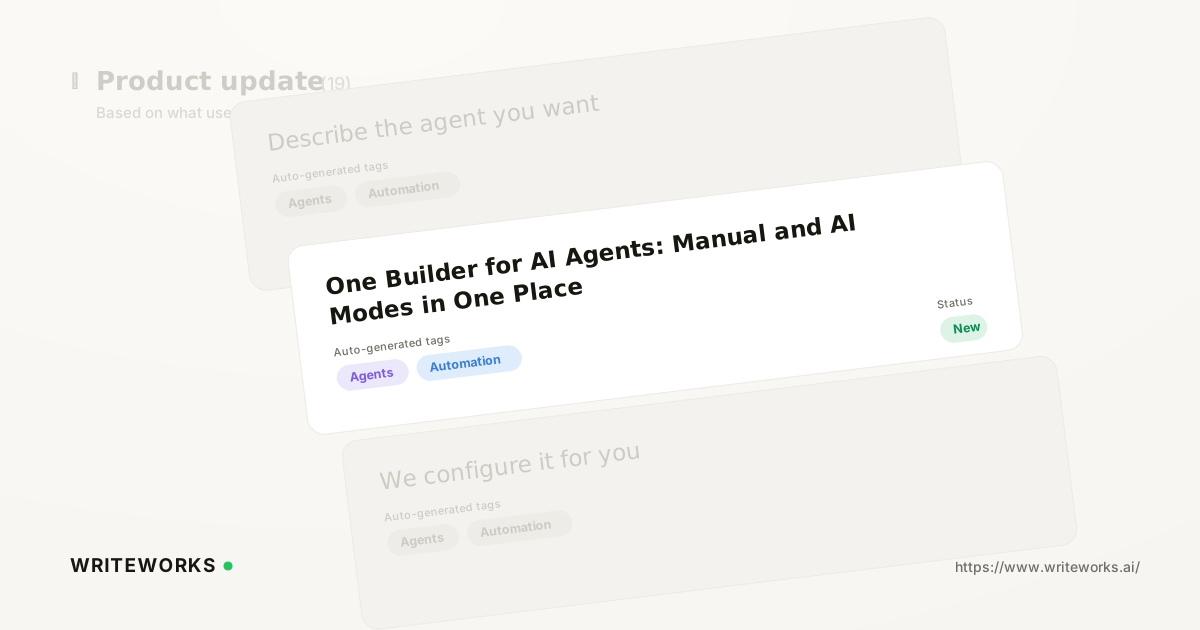
In short: WriteWorks has merged Build and AI Builder into a single Builder page at /content/agents/builder, with one toggle that flips between Manual and AI modes. You start an agent however suits the task - describe it in plain English, or place the steps yourself - and the same canvas holds the draft either way. It's aimed at growth and search-marketing teams who want to get from idea to a running agent without learning two separate screens.
Previously, building an agent meant choosing a tool before you'd chosen an approach: the manual canvas in one place, the AI chat in another. That split forced context-switching mid-build, and it made handovers between team members clumsier than they needed to be.
What is the unified Builder?
The unified Builder is a single agent-building screen inside WriteWorks that contains both the manual step canvas and the AI chat, switchable with one toggle. Instead of navigating to separate Build and AI Builder pages, you open one page and pick the mode that fits the moment.
The important part is that both modes share the same underlying agent. There's no export, import, or copy-paste step between them - an agent drafted by chat is the same object you then refine by hand.
Availability: (confirm release date before publishing)
How the unified Builder works
One toggle at the top of the Builder switches the same workspace between Manual and AI modes, and you can move between them as often as you like during a build.
- Manual mode gives you the canvas: you place and order the steps of the agent yourself, with full control over each one.
- AI mode gives you a chat. You describe the agent you want in plain English, and WriteWorks proposes a configuration for it.
- When the AI chat proposes an agent, the draft is handed straight to the manual canvas. From there you can fine-tune the steps, save the agent, or run it.
Because the handover is direct, the AI chat behaves as a starting point rather than a separate product. Nothing you build in chat is locked away from manual editing, and nothing you build manually rules out asking the chat for help later.
Who the unified Builder is for
It's especially useful if you:
- Are building your first WriteWorks agent and want to describe an outcome rather than learn a canvas from scratch.
- Run a small growth or content team where several people build agents at different levels of confidence.
- Prototype a lot: sketch something quickly in chat, then tighten the steps by hand before running it.
- Onboard new team members and want one screen to teach rather than two.
- Maintain a library of agents and want a consistent place to open, inspect and adjust them.
Advanced users benefit too. Describing an agent in chat is often the fastest way to get a rough structure on the canvas, even if you intend to rewrite most of the steps yourself.
What the unified Builder changes
The practical shift is that the choice between "manual" and "AI" stops being a decision you make before you start, and becomes a setting you change as you go.
That has a few knock-on effects on day-to-day work. There's one URL to bookmark and share, one screen to document internally, and one mental model to teach. When a draft agent isn't quite right, you no longer restart in the other tool - you flip the toggle and keep working on the same draft.
For teams standardising how they measure AI-search visibility across engines such as ChatGPT, Claude, Perplexity, Gemini and Google AI Overviews, that consistency matters. The fewer steps between an idea and a running agent, the more likely a process actually gets used.
How to use the unified Builder
1. Open Content → Agents → Builder.
2. Pick AI Builder to describe the agent you want in plain English, or Manual to place the steps yourself.
3. If you started in AI mode, review the proposed agent once it lands on the canvas.
4. Toggle between the two modes at any point to adjust your approach.
5. Refine the steps, then Save or Run.
Tips for a better result
- Describe the outcome, not the mechanics. In AI mode, state what the agent should produce and for whom, and let the Builder propose the steps.
- Treat the first proposal as a draft. Switching to Manual to check each step is usually faster than re-describing the whole agent.
- Save before you run when you're iterating, so you have a version to return to.
- Build one clear job per agent. Narrow agents are easier to inspect, adjust and reuse than sprawling ones.
Frequently asked questions
Where do I find the unified agent Builder in WriteWorks?
Open Content → Agents → Builder in the WriteWorks app, at the path /content/agents/builder. That single page now contains both the manual step canvas and the AI chat. The Manual and AI Builder modes are switched with one toggle at the top of the page, so there's no separate AI Builder page to navigate to.
Can I still build agents manually, step by step?
Yes. Manual mode is the same canvas as before, and nothing about hand-assembling an agent has been removed. You place and order the steps yourself and retain full control over each one. The change is only that the canvas now sits on the same page as the AI chat rather than on a separate screen.
What happens to an agent the AI chat proposes?
When the AI chat proposes an agent, the draft is passed directly to the manual canvas on the same page. From there you can fine-tune individual steps, save the agent for later, or run it straight away. There's no export or re-creation step, because both modes work on the same agent.
Can I switch between Manual and AI modes mid-build?
Yes. The toggle works at any point during a build, so you can start in AI mode, move to Manual to tighten the steps, and switch back if you want to describe a change in plain English. Both modes act on the same draft, so switching doesn't discard your work.
Which plans include the unified Builder? (confirm before publishing)
Placeholder - to be verified by the WriteWorks team before publication.
The bottom line
Merging Build and AI Builder into one page removes a decision you shouldn't have to make up front: whether to describe your agent or assemble it. One Builder, one toggle, one draft - and a shorter path from idea to a running agent.
If you'd like to see how it fits your workflow, open the Builder in WriteWorks and describe your next agent in a sentence, then switch to Manual to fine-tune what comes back.