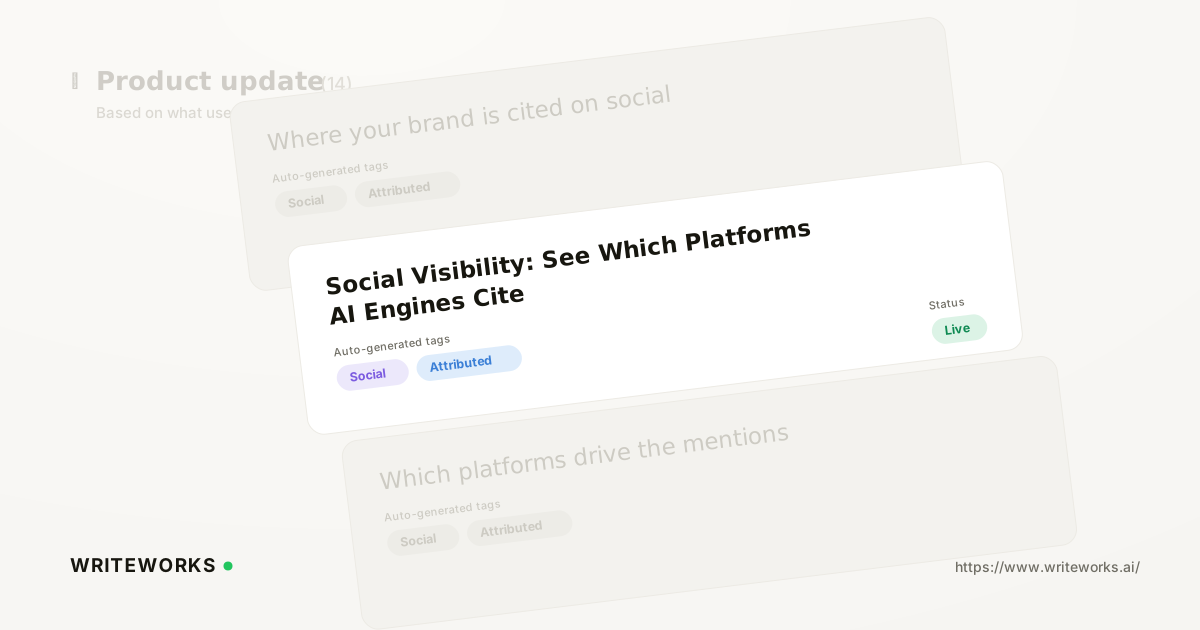
In short: We have added Social Visibility, a view in the Social area that re-slices your existing AI citation data by platform - Reddit, YouTube, LinkedIn, X and others - rather than by individual URL. You see which social platforms and communities AI engines lean on when they answer questions about your category, and how often your brand appears within them. It's aimed at growth, content and search-marketing leaders who need to know where to earn presence next.
Most AI-visibility reporting hands you a long list of cited URLs. That's useful for auditing a single answer, but it doesn't tell you the pattern: whether the engines answering your category questions are pulling from forum threads, video, professional networks or editorial media. Social Visibility answers that question directly.
What is Social Visibility?
Social Visibility is a reporting view inside WriteWorks that groups your AI-search citations by the social platform they came from, so you can see which platforms AI engines cite when responding to prompts in your category.
Instead of reading citations one URL at a time, you read them as platform-level patterns - for example, how much of the sourcing behind your tracked prompts comes from Reddit threads versus YouTube videos versus LinkedIn posts. The underlying data is the same citation data WriteWorks already collects from your prompt runs; Social Visibility changes how it is cut and displayed.
How Social Visibility works
Social Visibility is built on the prompts you already track in WriteWorks. When WriteWorks runs those prompts across the AI engines in your workspace, it records the answers and the sources each engine cites. Social Visibility then classifies those cited sources by platform and aggregates them.
From there you can look at the data in a few ways:
- By platform - which social platforms appear most often across your tracked prompts.
- By prompt or topic - whether platform sourcing shifts depending on the question being asked.
- By engine - whether different AI engines favour different platforms for the same category.
- By brand presence - whether your brand is actually mentioned within the platform sources being cited, or whether competitors and third parties own that space.
Two honest limits are worth stating. First, Social Visibility reflects the prompts and engines you have configured - it is a measurement of your tracked set, not the whole internet. Second, it reports what engines cited at the time of the run; AI answers vary between runs, so trends over multiple runs are more reliable than a single snapshot.
Supported engines and platform coverage: confirm the current list against the product before publishing.
Who Social Visibility is for
It's especially useful if you:
- Run digital PR or content programmes and need to decide where earned presence is worth the investment.
- Own AI-search visibility as a KPI and have to explain to leadership why a Reddit thread or a YouTube review matters commercially.
- Manage a category where buyers research in communities rather than on vendor sites, and want evidence of that behaviour.
- Are building a community or creator strategy and need a baseline before committing budget.
- Need to know which platforms competitors are being discussed on, and where your brand is missing from the conversation.
Advanced users benefit too: if you already audit citations URL by URL, the platform-level roll-up gives you a faster way to spot structural gaps and to prioritise which individual sources deserve a closer look.
What Social Visibility changes
The practical shift is that platform strategy becomes evidence-led rather than assumption-led. Teams often know that AI engines cite community content, but they rarely have a view of which platforms matter for their specific prompts and their specific engines.
With platform-level reporting, you can move from "we should probably do more on Reddit" to a decision grounded in your own tracked data - including the possibility that a platform you've been investing in isn't being cited for your category at all. It also gives content and PR teams a shared source of truth: the same view that shows where engines look also shows whether your brand is present there.
How to use Social Visibility
1. Sign in to WriteWorks and confirm the prompts you want to analyse are set up in your workspace.
2. Open the Social area from the main navigation.
3. Review the platform breakdown to see which platforms are cited most often across your tracked prompts.
4. Filter by prompt, topic or engine to check whether the pattern holds or shifts by question and by engine.
5. Drill into a platform to see the individual cited sources behind it, and whether your brand appears in them.
6. Compare across runs to establish a trend rather than working from a single snapshot.
Exact in-product labels: verify against the current build before publishing.
Tips for a better result
- Track prompts that reflect real buying questions, not just brand-name searches - platform sourcing tends to differ most on unbranded, comparative and "best X for Y" style prompts.
- Look at engine-level differences before you conclude a platform doesn't matter; one engine's sourcing habits are not all engines' habits.
- Pair the platform view with the underlying sources. The platform tells you where to act; the individual thread or video tells you what the conversation actually says.
- Re-check after any significant content or PR push, so you can see whether new presence is being picked up in citations.
Frequently asked questions
What does Social Visibility actually measure?
Social Visibility measures which social platforms appear as cited sources in the AI answers WriteWorks collects for your tracked prompts, and how often. It groups citations by platform - such as Reddit, YouTube, LinkedIn and X - and lets you filter by prompt and by engine, so you can see platform-level sourcing patterns instead of a flat URL list.
How is this different from the citations report?
The citations report shows individual cited sources for your tracked prompts. Social Visibility uses the same underlying data but aggregates it by platform, which makes structural patterns visible. Use citations to audit a specific answer or source; use Social Visibility to decide which platforms deserve investment across your category.
Does Social Visibility monitor social media performance?
No. Social Visibility is not a social listening or engagement-analytics tool and does not report followers, impressions or engagement. It reports how often social platforms are cited as sources by AI engines answering your tracked prompts, and whether your brand appears within those cited sources.
Can it tell me whether my brand is mentioned on a cited platform?
Yes. Alongside platform-level citation volume, you can see whether your brand appears within the cited sources, which highlights platforms where AI engines are looking but your brand is absent. That gap is usually the most actionable output of the view.
The bottom line
Social Visibility turns a list of cited URLs into a clear read on which communities AI engines trust in your category - and whether your brand is present in them. That makes platform investment a decision you can defend with your own data.
If you'd like to see which platforms are shaping AI answers about your category, open the Social area in WriteWorks and start with the prompts that matter most to your pipeline.