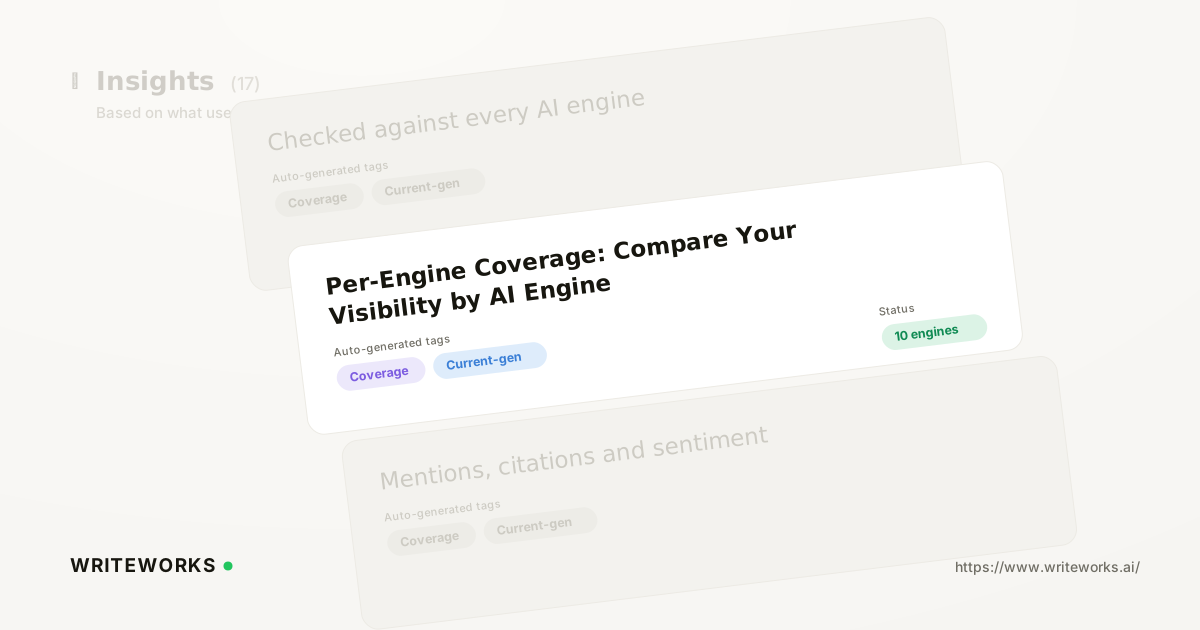
We just shipped Engine Coverage, a side-by-side view that shows how each of your tracked prompts performs on every AI engine we run it against. You read one grid instead of four separate reports; WriteWorks handles the runs, records whether your brand appears, and keeps the history so you can see movement over time. It's aimed at growth and search-marketing leaders who need to know which assistants already recommend them and which ones never mention them at all.
Aggregate visibility scores hide the thing you most need to know. A brand can look healthy overall while being effectively invisible on one engine - and until now, working that out meant exporting results and comparing them by hand.
What is Per-Engine Coverage?
Per-Engine Coverage is a reporting view inside AI Search Visibility tracking that breaks your prompt results down by AI engine, so every prompt shows a separate result for each assistant rather than a single blended figure.
Instead of one number that averages ChatGPT, Perplexity, Gemini, Copilot and Google AI Overviews together, you get a grid: prompts down one axis, engines across the other. Where your brand appears, you can see it. Where it doesn't, you get an empty cell - which is usually the more useful signal.
How Per-Engine Coverage works
Per-Engine Coverage is built from the prompt runs WriteWorks already performs. When a prompt is tracked, we send it to each supported engine, capture the response, and record whether your brand is mentioned, whether your domain is cited as a source, and which competing brands appear alongside you.
Per-Engine Coverage groups those records by engine and prompt. A few points worth being precise about:
- Results are per run, not a live query. Each cell reflects the most recent completed run for that prompt on that engine, with earlier runs kept for comparison.
- AI answers are non-deterministic. The same prompt can produce different responses on different days, which is why we favour trends across repeated runs over any single result.
- Mentions and citations are tracked separately. A response can recommend your brand by name without linking to you, which is why citation tracking across AI engines sits alongside mention data rather than replacing it.
- Engine coverage reflects what each assistant exposes. Google's own guidance on how AI features in Search surface links is a reminder that different surfaces attribute sources in different ways, so like-for-like comparison needs care.
Who Per-Engine Coverage is for
It's most useful if you:
- Report on AI-search performance to a leadership team and keep being asked "which one of these actually recommends us?"
- Suspect your visibility is concentrated on one or two engines and want to confirm it before reallocating effort.
- Run buying-intent prompts where a single engine drives a disproportionate share of your qualified traffic.
- Manage several brands or clients and need a consistent way to show engine-level strengths and gaps.
- Are auditing a new market or product line and have no baseline yet for any engine.
Advanced users benefit too: if you already track dozens of prompts, the grid is usually the fastest way to spot a systematic gap - for example, strong mention coverage on conversational assistants but almost none in AI Overviews.
What Per-Engine Coverage changes
The practical shift is that engine choice becomes a decision you can act on rather than a footnote in a report. Once you can see that a set of prompts returns competitors on one engine and nothing on another, the diagnosis changes from "we need more AI visibility" to something specific.
That usually splits into three different jobs. Engines that lean heavily on live retrieval and cited sources reward getting your pages onto the third-party sources those answers draw from. Engines that lean more on model knowledge reward consistent, unambiguous descriptions of your brand across the web. And an engine where competitors appear and you don't is a positioning problem before it is a content problem - which is where competitor share of voice does the heavier lifting.
How to compare your visibility across engines
1. Open AI Search Visibility in your workspace and select the brand or project you want to review.
2. Make sure the prompts you care about are tracked. If you're starting from scratch, build the set from real buyer questions rather than head keywords.
3. Switch to the per-engine view to see prompts and engines side by side.
4. Filter to a single engine to read every prompt it answers, or to a single prompt to see how the engines differ on the same question.
5. Sort or scan for empty cells - the prompts where you have no mention on a given engine are your shortlist.
6. Open an individual result to read the full response, the brands named, and the sources cited.
7. Export or share the view for reporting, then re-check after your next scheduled run to confirm movement.
Tips for a better read on engine coverage
- Compare like with like. Group prompts by intent - comparison, alternatives, "best tool for X" - before you draw conclusions about an engine.
- Wait for several runs before calling a change. One appearance or disappearance is noise; a sustained shift across runs is a signal.
- Read the cited sources, not just the score. If the same publications keep appearing in a rival's answers, that's a distribution target.
- Track the engines your buyers actually use, not all of them equally. Depth on two engines beats a thin sweep across six.
- Pair engine gaps with page-level data so you know which URL to fix first.
Frequently asked questions
Which AI engines does Per-Engine Coverage compare?
Per-Engine Coverage covers the AI engines WriteWorks currently runs tracked prompts against, including ChatGPT, Perplexity, Gemini, Copilot and Google AI Overviews. The supported list changes as engines and models are updated, so check the in-app engine selector or our note on visibility measurement on current-generation AI models for the live set.
Why does my brand appear on one engine but not another?
Because engines build answers differently. Some retrieve and cite live web sources at answer time, others rely more on what the underlying model already holds about your brand, and each applies its own ranking and attribution rules. A gap on one engine usually points to a missing source or an unclear brand description rather than a general content problem.
Does a mention always mean a citation?
No. An AI response can recommend your brand by name without linking to your site, and it can cite your domain as a source without recommending you. WriteWorks records the two separately so you can tell the difference between being known and being linked - they need different fixes and produce different traffic.
How often are per-engine results refreshed?
Results update whenever a tracked prompt is run, either on your schedule or on demand. Because AI answers vary between runs, we keep the history so you can compare across dates rather than relying on a single snapshot. Repeated runs on a consistent schedule give the most reliable trend.
Can I use this for competitors as well as my own brand?
Yes. Each result records the other brands named in the response, so the same grid shows where rivals hold engine-level positions you don't. That makes it straightforward to see which competitors an engine defaults to for a given prompt, and where your absence is the whole story.
The bottom line
Per-Engine Coverage turns a single visibility score into an engine-by-engine map, so you can spend effort where the gap actually is instead of guessing. If you'd like to see which assistants already recommend you, open AI Search Visibility, add the prompts your buyers ask, and read the grid - or review WriteWorks pricing to find the plan that fits your prompt volume.