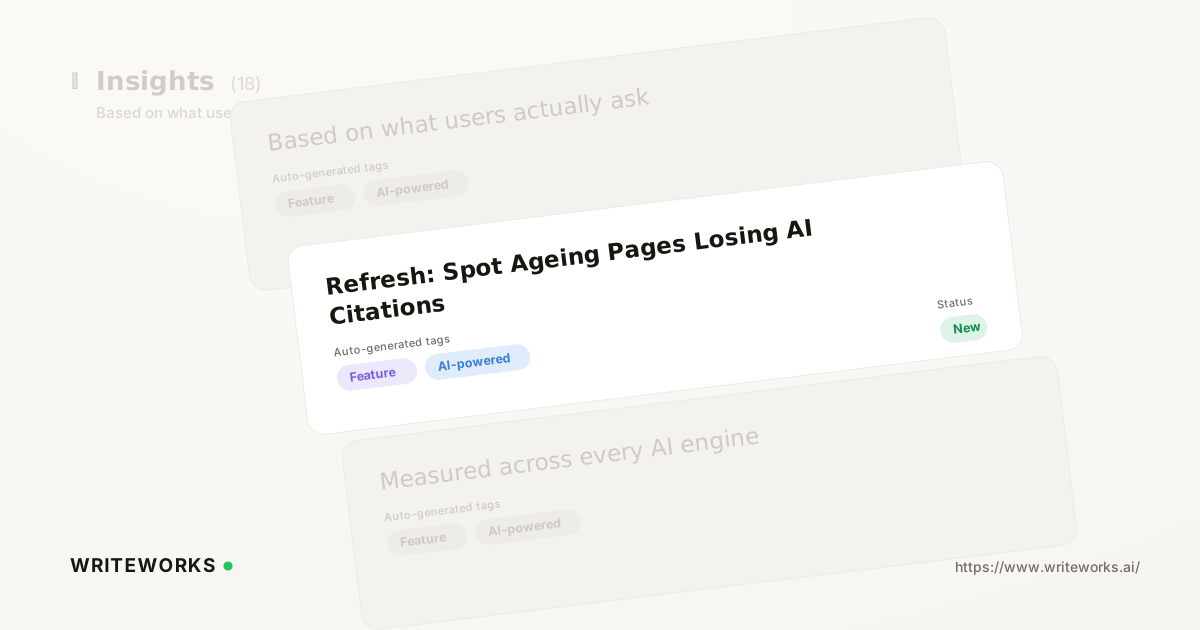
In short: WriteWorks has added Refresh, a workspace that surfaces published pages whose AI citations, rankings or content scores are declining, then generates a targeted update plan for each one. You review the flagged pages and decide what to act on; WriteWorks handles the monitoring and drafts the recommended changes. It's aimed at content and growth teams managing a library large enough that decay goes unnoticed.
Most teams find out a page has stopped being cited months after it happened - usually by accident, while checking something else. Refresh removes the manual audit step by watching the signals continuously and telling you which pages have moved.
What is Refresh?
Refresh is a content-maintenance workspace inside WriteWorks that identifies published pages losing AI citations, search rankings or content quality scores, and produces a page-specific update plan for each one. Instead of running a quarterly spreadsheet audit, you open Refresh and see the pages that have changed since they were published.
The workspace focuses on pages you already own. It's not a gap-finding tool for new topics - it's for protecting the assets that are already earning visibility.
How Refresh works
Refresh compares each published page's current performance signals against its earlier baseline and flags meaningful declines. Three inputs drive the flagging:
- Citations. Whether AI engines still reference the page when answering relevant prompts, drawing on the same citation tracking across AI engines that powers the rest of the platform.
- Rankings. Movement in the page's search positions for the queries it was built to serve.
- Content score. How the page now measures against WriteWorks' content quality checks, which shift as expectations and competing coverage change.
When a page is flagged, Refresh generates an update plan for it: the specific sections, claims, structure or coverage gaps worth addressing, based on what the page currently says and what the engines are now citing instead. Plans are recommendations - nothing is published without your approval.
Who Refresh is for
It's especially useful if you:
- Manage more than a few dozen published pages and can't audit them all by hand.
- Own an evergreen library - guides, comparisons, glossaries - where decay is gradual and easy to miss.
- Report on AI-search visibility and need to explain declines rather than just observe them.
- Run content across several brands or clients, where per-page monitoring simply doesn't scale manually.
Experienced content leads benefit too: Refresh doesn't replace editorial judgement about which pages matter commercially, it just removes the detection work that comes before that judgement.
What Refresh changes
The practical shift is from periodic auditing to continuous triage. Rather than scheduling a refresh sprint and then deciding what goes into it, you arrive with the candidate list already assembled and each candidate already diagnosed.
That also changes how refresh work gets prioritised. A page that has quietly lost citations across several engines is a different problem from one whose content score has slipped - and Refresh distinguishes between them, so effort goes where the loss is real. It pairs naturally with Page Analytics: See AI Search Performance Per URL when you want to inspect a single URL in depth.
How to use Refresh
1. Open Refresh from the workspace navigation.
2. Review the flagged pages and the signal that triggered each one - citations, rankings or content score.
3. Select a page to open its update plan and read the recommended changes.
4. Accept, edit or dismiss the recommendations, then push the approved changes into your drafting workflow.
5. Return to Refresh after publishing to confirm the signals recover.
Tips for a better result
- Start with pages that sit close to revenue rather than the pages with the largest declines - a small drop on a high-intent page usually matters more.
- Check whether a citation loss is page-specific or category-wide; competitor share of voice helps tell the difference.
- Re-publish substantive updates rather than making cosmetic edits. Google's own guidance notes that dates should reflect genuine changes to the content, not superficial ones.
- Feed recurring themes across update plans back into your briefing standards, so new pages avoid the same weaknesses.
Frequently asked questions
How does Refresh decide a page is declining?
Refresh compares a page's current citations, search rankings and content score against its earlier baseline, and flags the page when one or more of those signals falls meaningfully. Each flagged page shows which signal triggered it, so you can judge whether the decline is worth acting on before opening the update plan.
Does Refresh change published pages automatically?
No. Refresh generates an update plan with recommended changes, but publishing remains a deliberate step you take. You can accept, edit or dismiss any recommendation, which keeps editorial control with your team while removing the detection and diagnosis work that normally precedes a refresh.
How is Refresh different from citation gap analysis?
Refresh looks inward at pages you have already published and are now losing ground on. Citation Gap Analysis: Find Sources Citing Rivals, Not You looks outward at sources citing competitors instead of you. Used together, one protects existing visibility while the other identifies where new visibility could come from.
Which plans include Refresh? (confirm before publishing)
Placeholder - to be verified against current WriteWorks pricing before publication.
The bottom line
Refresh turns content decay from something you discover late into something you're told about, with a specific plan attached to each affected page. If you'd like to see which of your published pages are already slipping, open Refresh in your workspace and work through the first flagged page - or read the AI Search Visibility Metrics: The Complete KPI Guide to decide which signals matter most to your team.