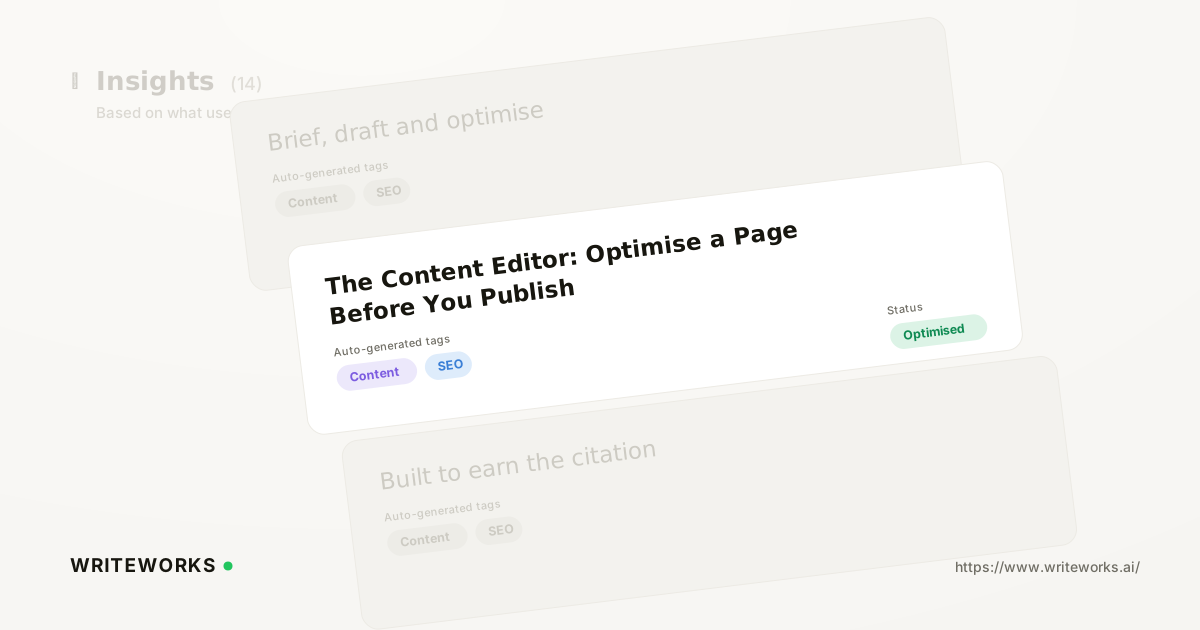
In short: WriteWorks has added the Content Editor, a writing environment that scores a draft against the prompts and citation sources you're targeting as you write it. You draft the page; WriteWorks checks it against real prompt data and the sources AI engines already cite for that topic. It's aimed at content teams and search-marketing leads who want pages built for AI answers from the first draft, rather than reworked after they underperform.
Most teams still optimise content after publishing - they wait for a page to appear (or not appear) in ChatGPT, Perplexity or Google AI Overviews, then go back and edit it. The Content Editor moves that check earlier, into the drafting stage itself.
What is the Content Editor?
The Content Editor is a scoring and guidance tool inside WriteWorks that evaluates a page draft against the specific prompts and citation sources you've chosen to target. Instead of writing a page and only finding out afterwards whether it gets cited, you write against live target data and see how the draft measures up before it's published.
How the Content Editor works
The editor draws on two things WriteWorks already tracks: the prompts real users ask AI engines within a topic (via prompt research) and the sources those engines currently cite in answers to those prompts (via cited sources analysis). You pick the prompts a page is meant to answer, and the editor scores the draft against them - flagging gaps such as missing subtopics, thin coverage of a question the prompt data shows people actually ask, or a structure that doesn't match how cited pages tend to be organised.
It sits alongside the rest of WriteWorks' AI content optimisation tooling and the content engine, so a brief generated from tracked prompts can flow straight into a draft, and that draft can be checked in the same workspace before it goes anywhere near a CMS.
Who the Content Editor is for
It's especially useful if you:
- Write or commission content aimed at ranking in AI answers, not just traditional search results
- Manage a content calendar informed by content briefs built from tracked prompts and want a way to check drafts against those same prompts
- Run visibility programmes across multiple brands or clients, where consistency between brief and output matters - a common need in agency multi-brand AI search work
- Are responsible for AI search for content teams and need a shared, repeatable pre-publish check rather than individual editorial judgement alone
Experienced search marketers benefit too: the editor doesn't replace expertise, it gives a concrete, data-backed second read before a page goes live.
What the Content Editor changes
The practical shift is timing. Optimisation work that used to happen after a page had already been indexed and evaluated by AI engines can now happen at the draft stage, while changes are still cheap to make. Instead of monitoring a page's AI Search Visibility after publication and then commissioning a rewrite, teams can address gaps in the editor itself - before the page competes for citations against rivals tracked through competitor share of voice.
It also tightens the loop between research and writing. Prompt data and cited-source data no longer sit in a separate report you check occasionally; they're visible in the same window as the draft.
How to use the Content Editor
1. Open a page draft (or start a new one) in WriteWorks and select the prompts you want it to target - pulled from your tracked prompt set.
2. Review the draft score, which reflects how well the current text addresses those prompts and aligns with the sources AI engines currently cite for them.
3. Work through the flagged gaps - missing subtopics, weak coverage of a specific question, or structural issues - and revise the draft.
4. Re-check the score after edits, then publish once the draft reflects the prompts and citation patterns you're targeting.
Tips for a better result
- Target a focused set of prompts per page rather than every prompt in a topic - a page that answers a handful of prompts well tends to score and read better than one stretched thin across dozens.
- Cross-check the editor's flagged gaps against your own cited sources analysis to understand why a source is cited, not just that it is.
- Revisit scores periodically after publishing, since prompt volumes and cited sources shift over time - what scored well at launch can drift as the answer landscape changes.
Frequently asked questions
What does the Content Editor actually score?
It scores a draft against the specific prompts you've selected and the sources currently cited for those prompts in AI answers, highlighting gaps in coverage, structure or subtopics rather than generic readability or keyword-density metrics.
Does the Content Editor guarantee a citation in ChatGPT or AI Overviews?
No tool can guarantee citation, since AI engines choose sources dynamically. The Content Editor improves how well a draft aligns with the prompts and citation patterns you're targeting, which is a factor in visibility rather than a guarantee - consistent with how Google's own guidance on creating helpful content frames ranking as one of many signals, not a formula.
How is this different from checking AI Search Visibility after publishing?
Post-publish tracking, such as citation tracking across AI engines, tells you how a live page is performing. The Content Editor works earlier, at the draft stage, so you can address gaps before the page is indexed and evaluated rather than after.
Which prompts and sources does the editor use?
It uses the prompts you've selected from your tracked prompt set (built via prompt research) and the citation data WriteWorks already collects on the sources AI engines reference for those prompts, so the scoring reflects real, current answer behaviour rather than static keyword lists.