Based on what buyers actually ask
Auto-generated tagsFeatureAI-powered
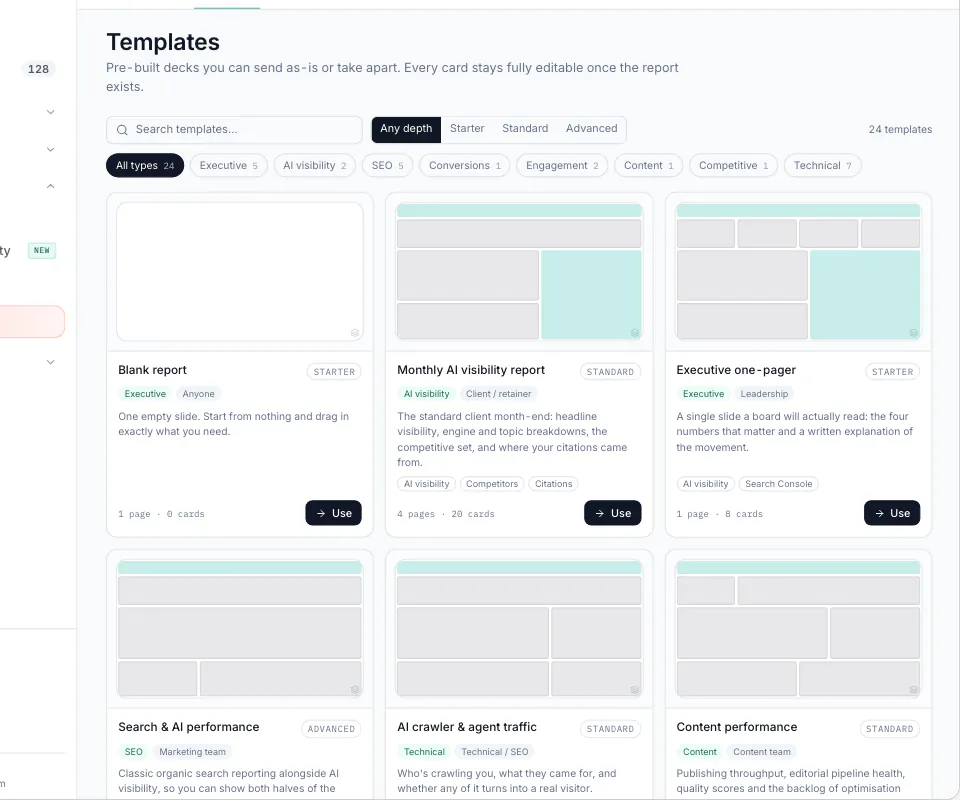
Pick an SEO report template, and WriteWorks builds the deck from your own connected data: Search Console, GA4, AI visibility, citations, competitors and AI crawlers. 17 ready-made templates, plus a blank canvas, each one a starting point you can edit slide by slide.
7-day trial · Cancel anytime
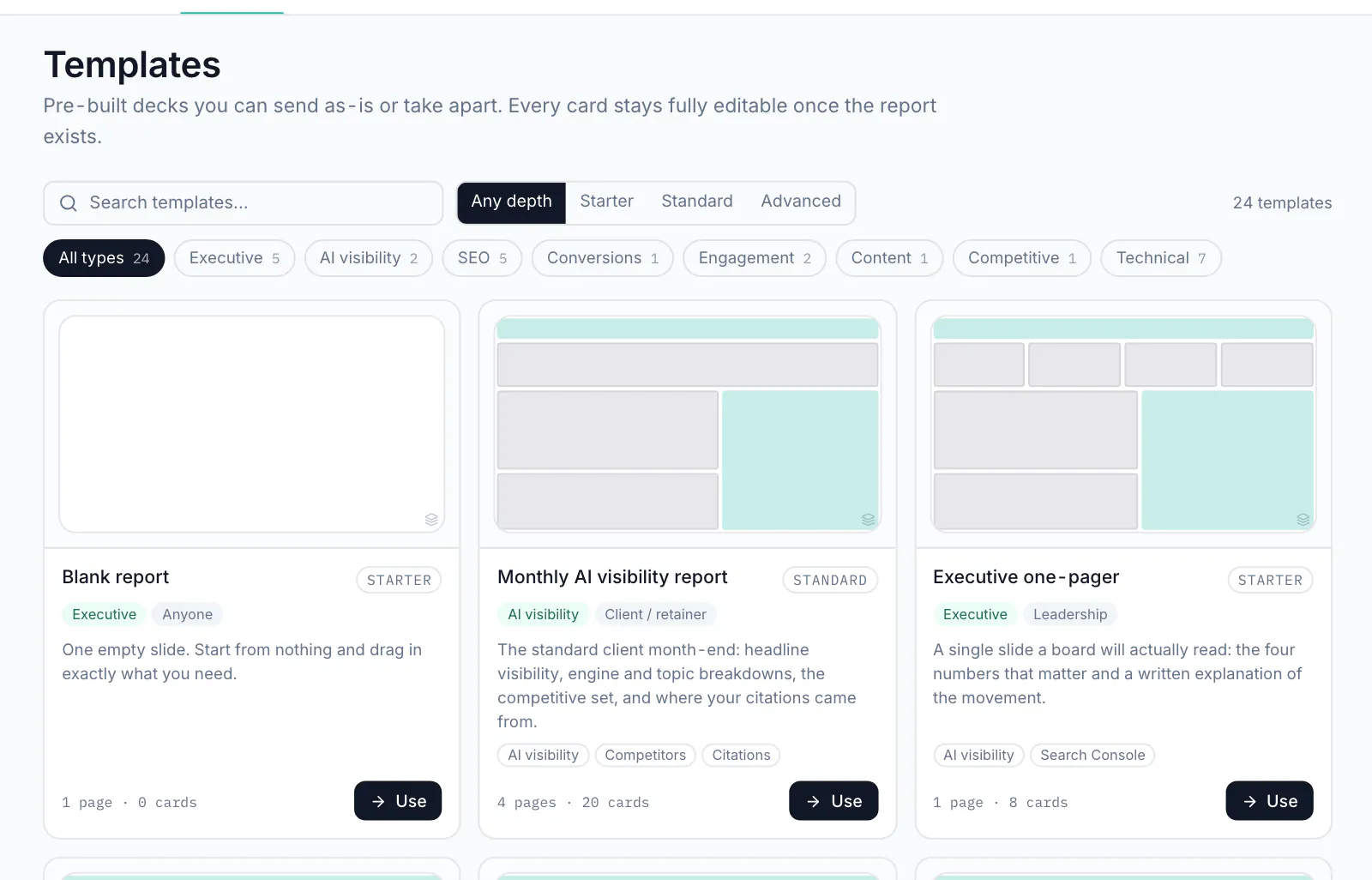
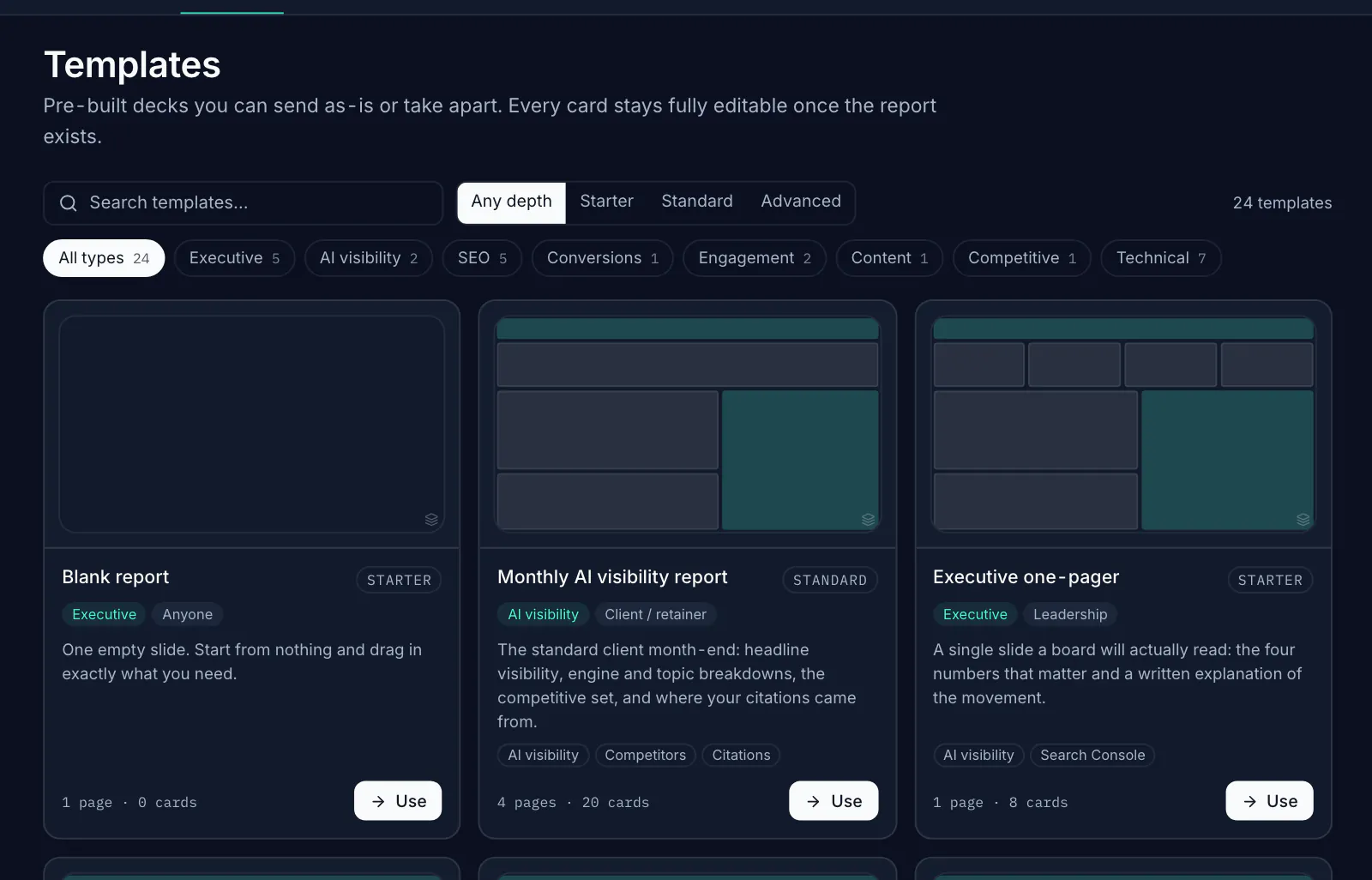
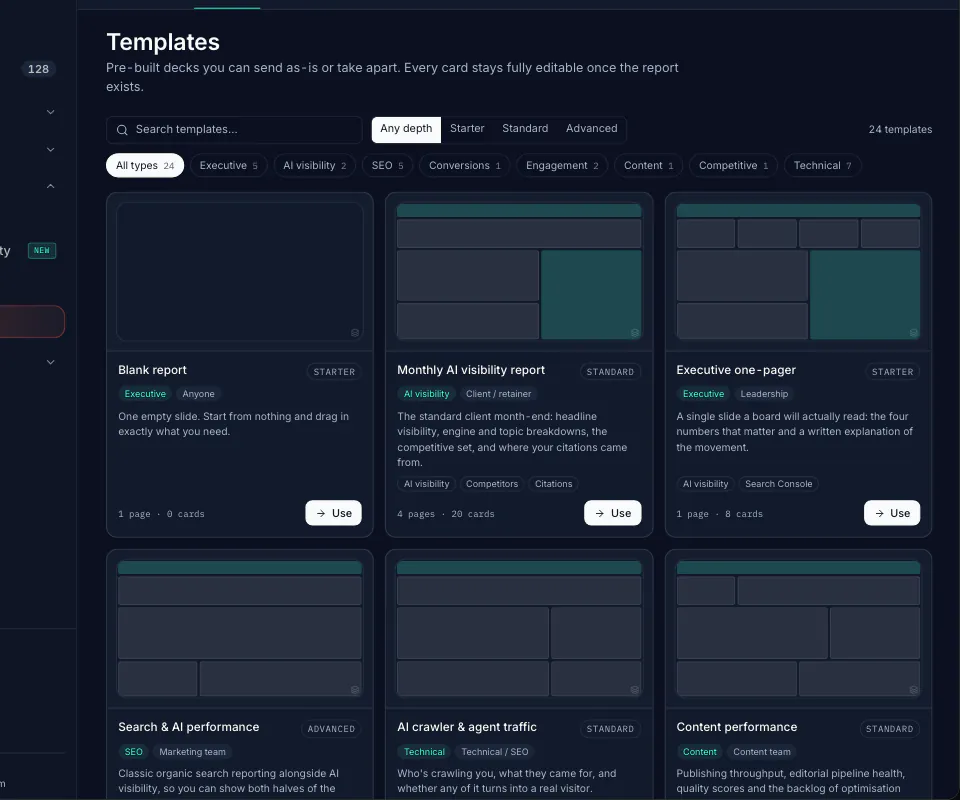
This is the working product, not a mockup: the same visibility scores, briefs and published content your team would be looking at. Start a free trial and point it at your own domain, or take the tour of what sits behind the screen.
Empty templates, missing AI search, one-size-fits-all decks.
Most SEO report templates are an empty structure. You still export the data, paste it in and rebuild the charts every month.
A standard marketing report template covers rankings and traffic. It has no slot for whether AI engines mention or cite the brand.
A board wants one page. A client wants a month-end story. A technical SEO wants crawl detail. One template rarely fits all three.
Roundups, reviews and forums are quoted ahead of your own pages, and nothing tells you which source displaced you.
Pick one, get a populated deck, edit freely.
Every template is built from real widgets, so choosing one produces a populated report straight away, not a blank outline to fill in.
From an executive one-pager to a citation deep dive, each template is tagged by audience and level, so you start from the report closest to what you need.
Add, remove or resize widgets, duplicate slides, change date ranges per card and add AI commentary. The template is a starting point, not a constraint.
What each brand fixed, measured before and after with the same audit, in their own words.
“Nobody had spotted that our market homepages carried no structured data at all. Now 100% of them tell AI exactly who GraftPal is, and every FAQ page in the audit carries a modified date.”
A selection from the template gallery.
Headline visibility, engines and topics, the competitive set and citations.
Clicks, impressions, CTR, position, top pages and queries, quick wins.
One slide with the numbers that matter and a written explanation.
A quarter across AI search, Search Console, GA4, content and opportunities.
AI search, organic search, traffic and conversions in one client deck.
Competitive landscape, citation deep dive, crawler health, rank tracker and more.
From copy-and-paste to pick-and-present.
20+ ready-made decks, plus a blank report.
SEO teams, agencies and marketing leaders.
A monthly SEO report and a Search Console deep dive without the spreadsheet work.
Client report templates for month-end, full-funnel and QBR decks.
Executive one-pagers and conversion reports for leadership.
“Honestly, the jobs board looked fine in a browser, so we never questioned it. The audit showed that only 5% of our job pages gave crawlers real content. We moved the listings into the server HTML, and the re-audit came back at 100%. The typical job page now carries 73% of its content before any JavaScript runs, and we're working through the rest.”
GoTeachingJobs team
Read the full storyEverything teams typically ask before getting started.
Related solutions, adjacent use cases, and platform features.
20+ ready-made report decks built on your live search, analytics and AI visibility data, editable down to the card.



 Google Search Console
 Google Analytics 4
 Google Ads
 Ahrefs
 Semrush
 DataForSEO
 Firecrawl
 Tavily
 Exa
 Parallel
 G2
 WordPress
 Webflow
 Contentful
 Sanity
 Payload
 BaseHub
 Framer
 Notion
 Gamma
 v0
 Slack
 Linear
 Atlassian
 Monday.com
 Granola
 Klaviyo
 Customer.io
 OpenAI Ads
 Claude and MCP clients