Based on what buyers actually ask
Auto-generated tagsFeatureAI-powered
AI Likelihood is the AI content detector inside the WriteWorks editor, made for marketing teams checking drafts before they go live. It estimates how likely a draft is to read as AI-written and shows the sentences driving the estimate. You get a calibrated probability with a range and a confidence level, never a verdict, so an editor can decide what to do with it.
7-day trial · Cancel anytime
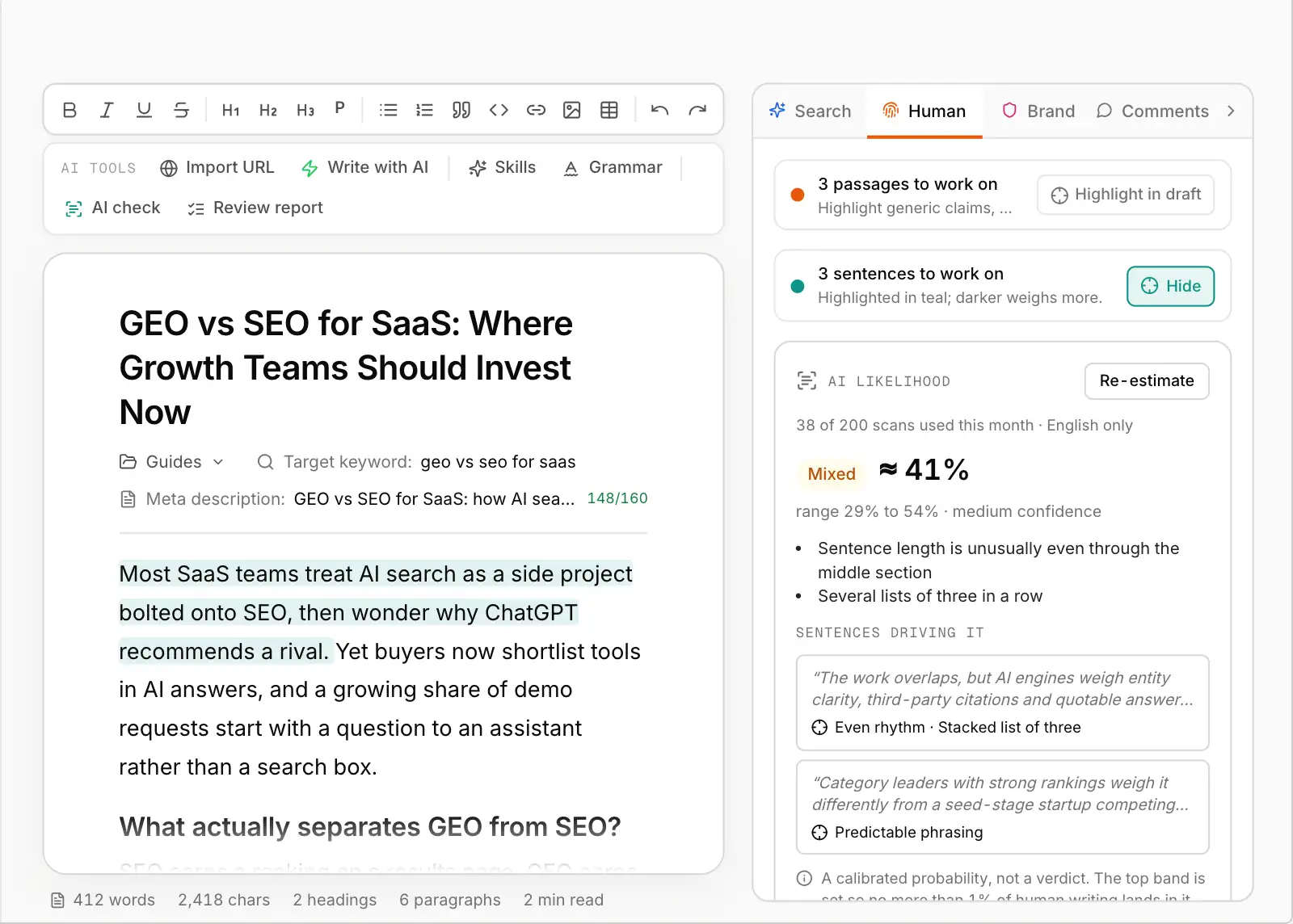
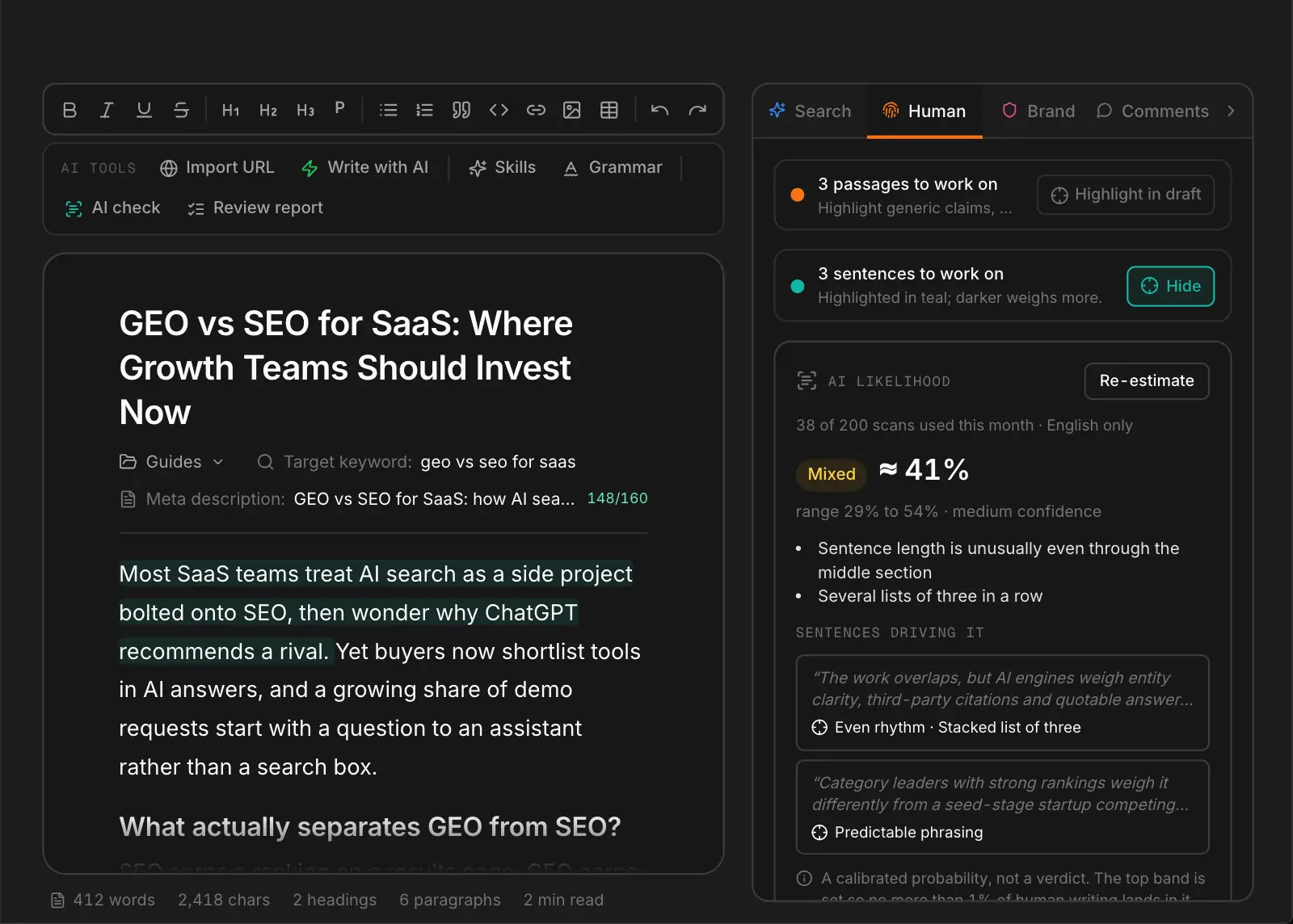
This is the working product, not a mockup: the same visibility scores, briefs and published content your team would be looking at. Start a free trial and point it at your own domain, or take the tour of what sits behind the screen.
Verdicts, a separate tab and nothing to change.
A single "98% AI" with no range treats an estimate as a fact, and gets used to judge writers on evidence it doesn't have.
Pasting drafts into a separate checker means the result never reaches the draft, the editor or the approval.
A page-level number gives the writer nothing to change.
Roundups, reviews and forums are quoted ahead of your own pages, and nothing tells you which source displaced you.
A calibrated probability, the sentences behind it and an accuracy bar it must pass first.
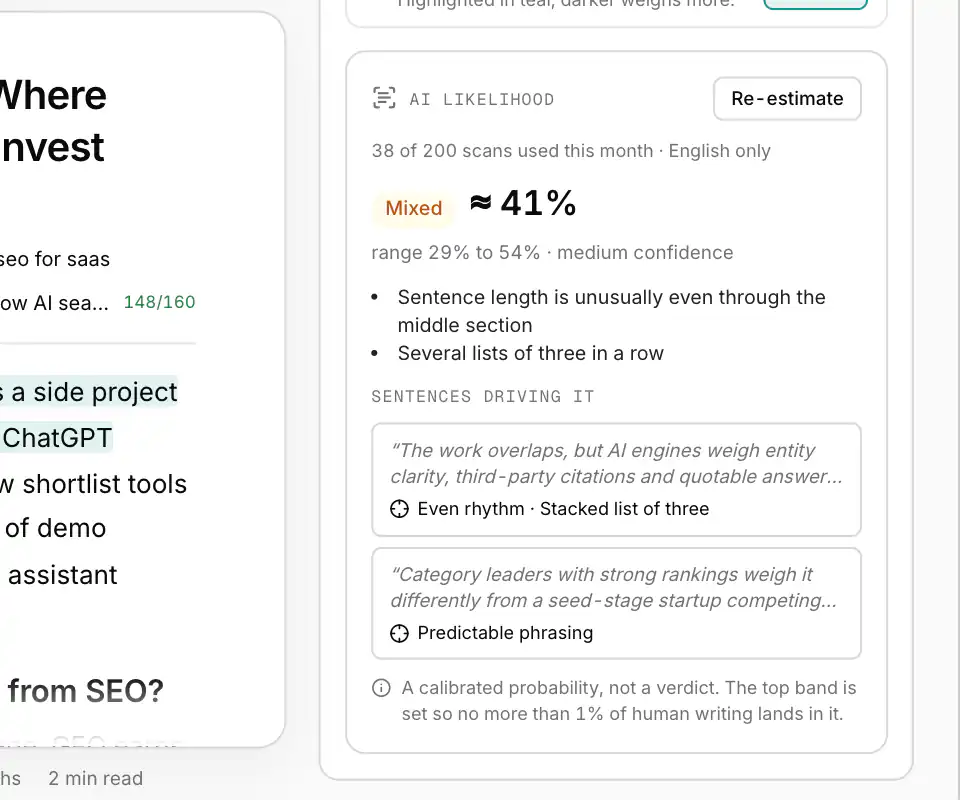
AI Likelihood shows a band (Likely human, Mixed or Likely AI), an approximate percentage, the range around it and a confidence level. The Likely AI band is set so that no more than 1% of human writing lands in it.
The card lists the sentences that push the estimate most, so the writer knows where to look. The same Human tab holds Human Signal, which says what to add to make the page more useful.
No probability appears until a detector model has passed a release gate on held-out data: a false-positive rate of 1% or less overall and on every stress test, strong ranking accuracy and calibration, tested on at least 1,000 human and 1,000 AI samples from five or more model families. Until a model passes, add-on holders are told it's being validated and scans don't count.
On the Agency tier of the AI Detection add-on, the same detector is available through the WriteWorks API with an API key, for agencies checking content across clients. Text sent to the API is not stored.
What each brand fixed, measured before and after with the same audit, in their own words.
“Not one of our influencer directory pages reached 200 words. Now 100% of them do, and the share of pages carrying schema jumped from 39% to 99%.”
Everything AI Likelihood shows.
In the Human tab of the editor review panel.
Likely human, Mixed, Likely AI.
An interval around every estimate.
The sentences that move the estimate most.
Scans used this month shown on the card.
On the Agency tier, with a scoped API key.
A pre-publish check inside the edit.
AI Likelihood and the AI Detection add-on.
Teams that publish under their own name.
A pre-publish check that informs the edit instead of replacing it.
See which sentences read as machine-written and send them back with a reason.
Check client content in the editor or through the API.
“We advise SaaS brands on AI search, so having every page of our own site built on request was a little awkward. We switched to cache-friendly HTML, cleaned up the heading order, repaired our broken FAQ blocks and trimmed the sitemap. On the re-audit, 87% of pages came straight from cache, up from 0%, and every guide was in heading order. Some of our insight articles are still slow, and they're next.”
Surge45 team
Read the full storyEverything teams typically ask before getting started.
A calibrated estimate of how likely the draft is to read as AI-written, with the sentences behind it.
An EEAT and information-gain score that tells the writer what to add.
See Human SignalRelated solutions, adjacent use cases, and platform features.
AI Likelihood gives your editors a calibrated estimate, a range and the sentences behind it, inside the editor they already use.



 Google Search Console
 Google Analytics 4
 Google Ads
 Ahrefs
 Semrush
 DataForSEO
 Firecrawl
 Tavily
 Exa
Exa Parallel
 G2
G2 WordPress
 Webflow
 Contentful
 Sanity
 Payload
 BaseHub
 Framer
 Notion
 Gamma
Gamma v0
v0 Slack
Slack Linear
 Atlassian
 Monday.com
 Granola
 Klaviyo
 Customer.io
 OpenAI Ads
 Claude and MCP clients