Based on what buyers actually ask
Auto-generated tagsFeatureAI-powered
WriteWorks watches your AI search data between reports. Alerts arrive in the in-app bell, by email or both when visibility moves, a mention is won or lost, or a competitor changes position. Once a week, an insights email leads with what went well, then where to focus, with advice for each decline.
7-day trial · Cancel anytime
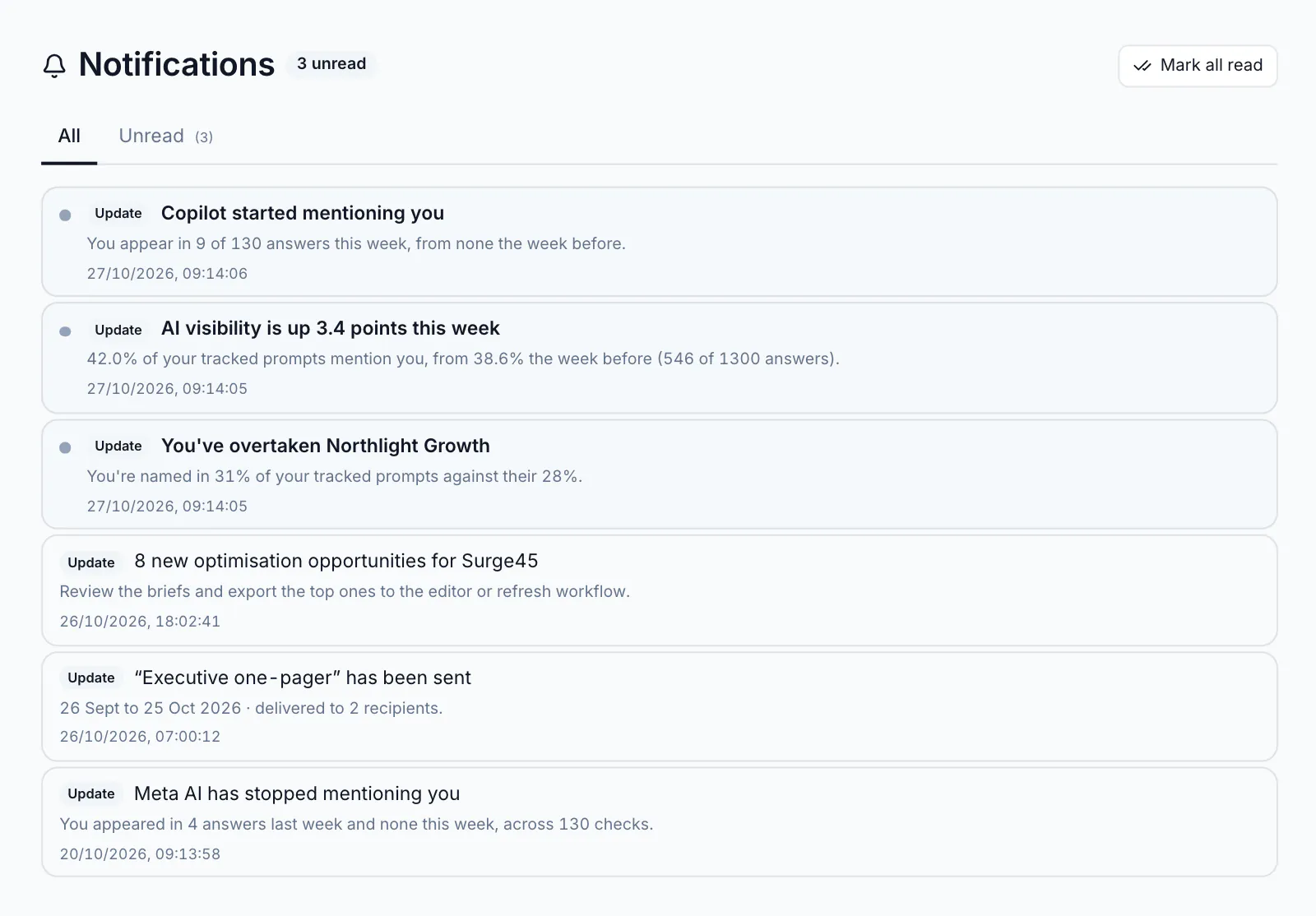
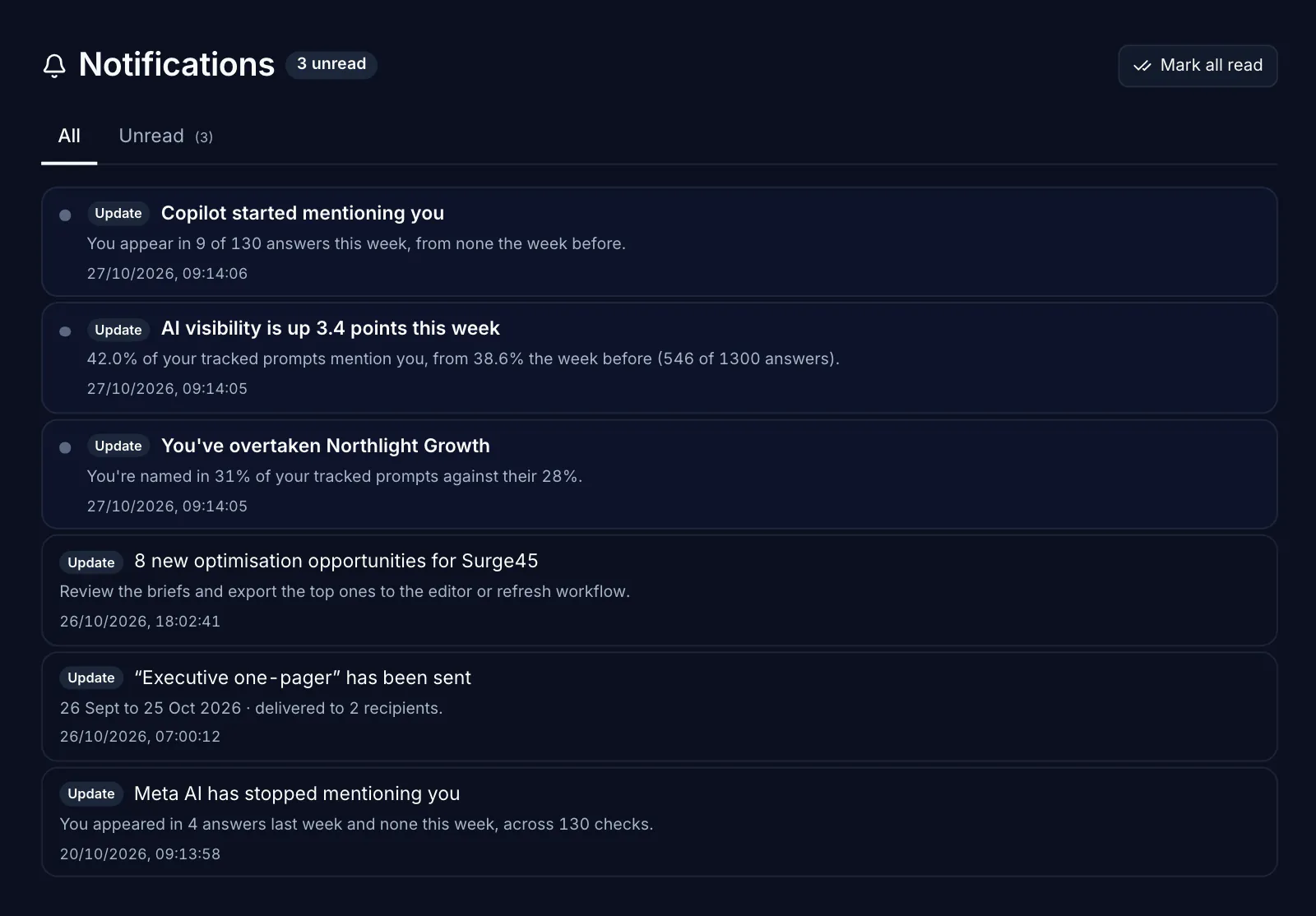
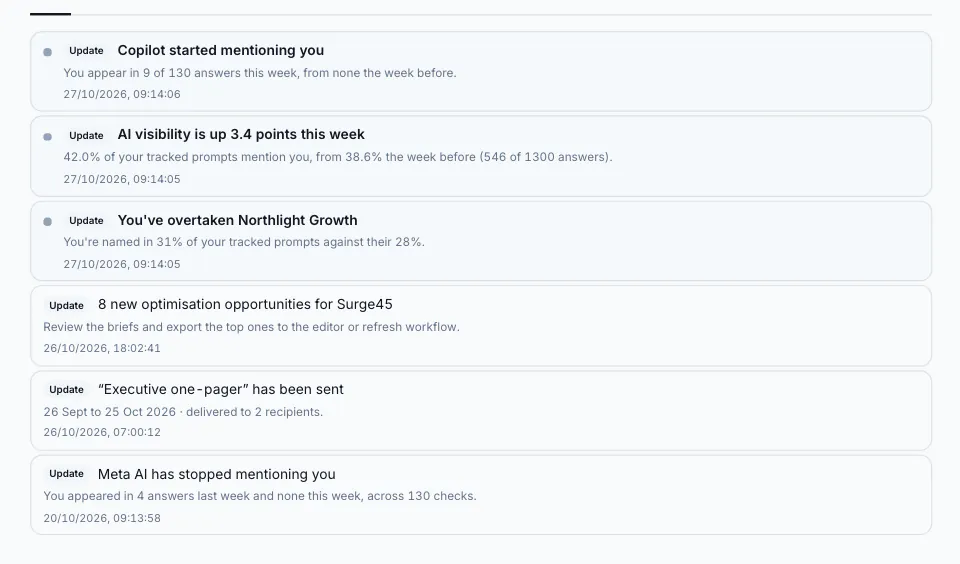
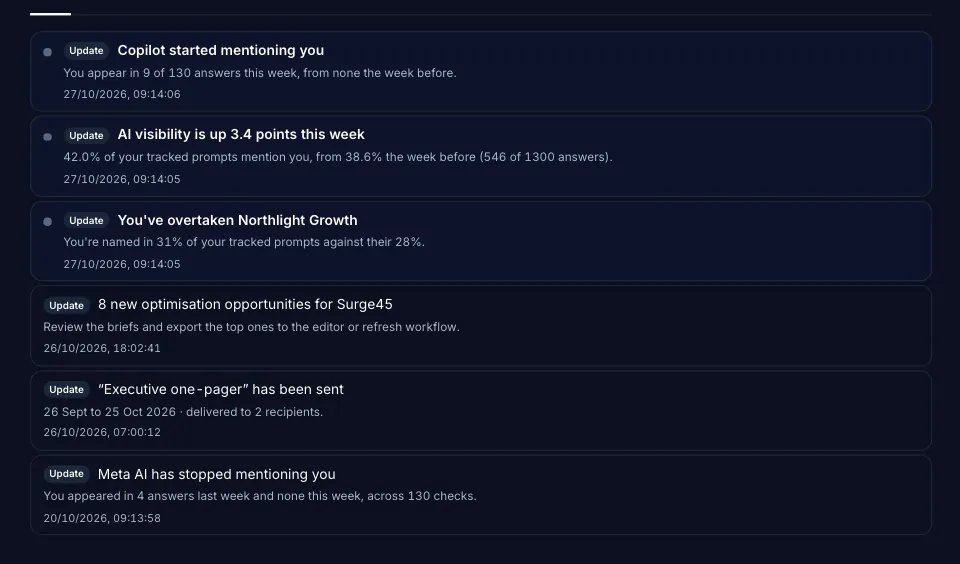
This is the working product, not a mockup: the same visibility scores, briefs and published content your team would be looking at. Start a free trial and point it at your own domain, or take the tour of what sits behind the screen.
Monthly lag, bad-news-only emails and alerts without a next step.
A drop in visibility or a lost mention on an engine sits unnoticed until the next report, weeks after it could have been fixed.
A daily email that leads with whatever dropped becomes one people stop opening, and single-day AI answers are a noisy sample anyway.
An alert that says a number went down, without saying what to do about it, adds work rather than removing it.
Content written to rank in blue links rarely carries the structure an assistant needs to quote it directly.
Event alerts, a weekly read and per-event preferences.
Get notified when visibility moves, you're mentioned on an engine for the first time, you lose mentions on an engine, a competitor overtakes you, or new opportunities are ready.
A week-over-week read, sent on the weekday your brand picks (Monday by default). It opens with what went well, then lists where to focus with a concrete next step for each decline.
Set preferences per event: in the bell, by email, or both. Account alerts cover a broken integration, an approaching plan limit, a first scan completing and a report being ready.
What each brand fixed, measured before and after with the same audit, in their own words.
“Turning caching on made our pages 2.5 times faster for crawlers. While we were in there, we fixed the headings too: guides with a clean heading structure went from 32% to 100%.”
The events WriteWorks watches.
A meaningful shift in how often AI engines mention you.
When you appear on an engine for the first time, or drop off one.
When a tracked rival overtakes you.
When a scan has new opportunities to act on.
Broken integrations and approaching plan limits.
When a report you're waiting on is ready.
From month-end surprises to early warnings.
Every alert and the weekly email.
Anyone responsible for AI search between reports.
Early warning on AI search changes between reports.
A weekly SEO report-style email with the week's highlights and actions.
Know when a client's visibility or integrations need attention.
“A near-perfect audit score made it easy to think the job was done. WriteWorks found the one gap that mattered: none of our homepages said who we are in a way a machine could read. We added Organization markup in every market and dated every FAQ page, and key pages carrying the schema AI expects went from 92% to 100%. Small changes, and a much clearer picture of GraftPal for AI.”
GraftPal team
Read the full storyEverything teams typically ask before getting started.
Related solutions, adjacent use cases, and platform features.
AI search alerts in the bell or by email, plus a weekly insights email that tells you where to focus.



 Google Search Console
 Google Analytics 4
 Google Ads
 Ahrefs
 Semrush
 DataForSEO
 Firecrawl
 Tavily
 Exa
 Parallel
 G2
 WordPress
 Webflow
 Contentful
 Sanity
 Payload
 BaseHub
 Framer
 Notion
 Gamma
 v0
 Slack
 Linear
 Atlassian
 Monday.com
 Granola
 Klaviyo
 Customer.io
 OpenAI Ads
 Claude and MCP clients