Based on what buyers actually ask
Auto-generated tagsFeatureAI-powered
Generic AI writing sounds like everyone else. WriteWorks stores your brand voice and tone of voice guidelines in the Brand Hub and passes them to the AI every time it writes, so drafts from the editor, briefs, automations and Ask AI start out sounding like you.
7-day trial · Cancel anytime
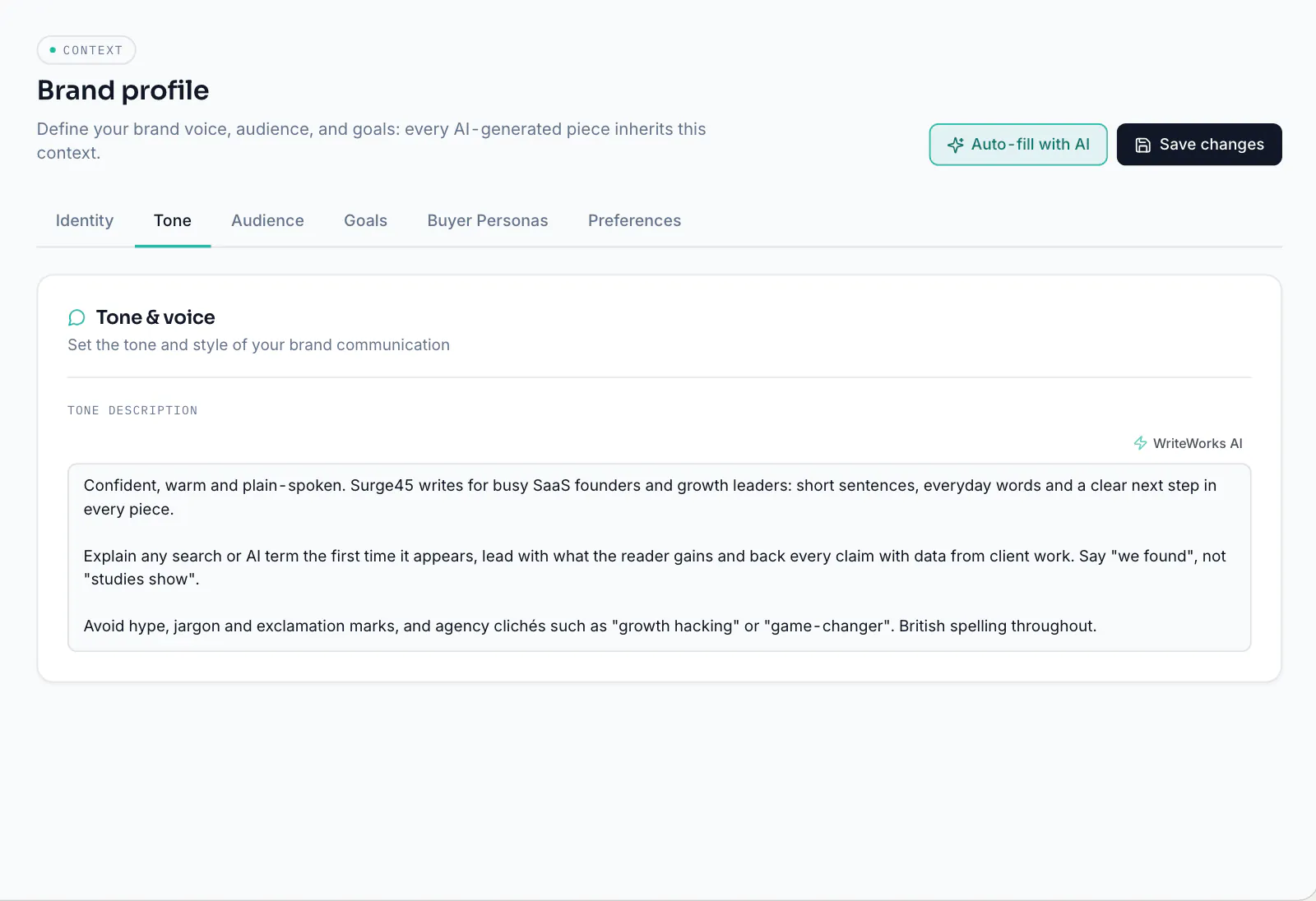
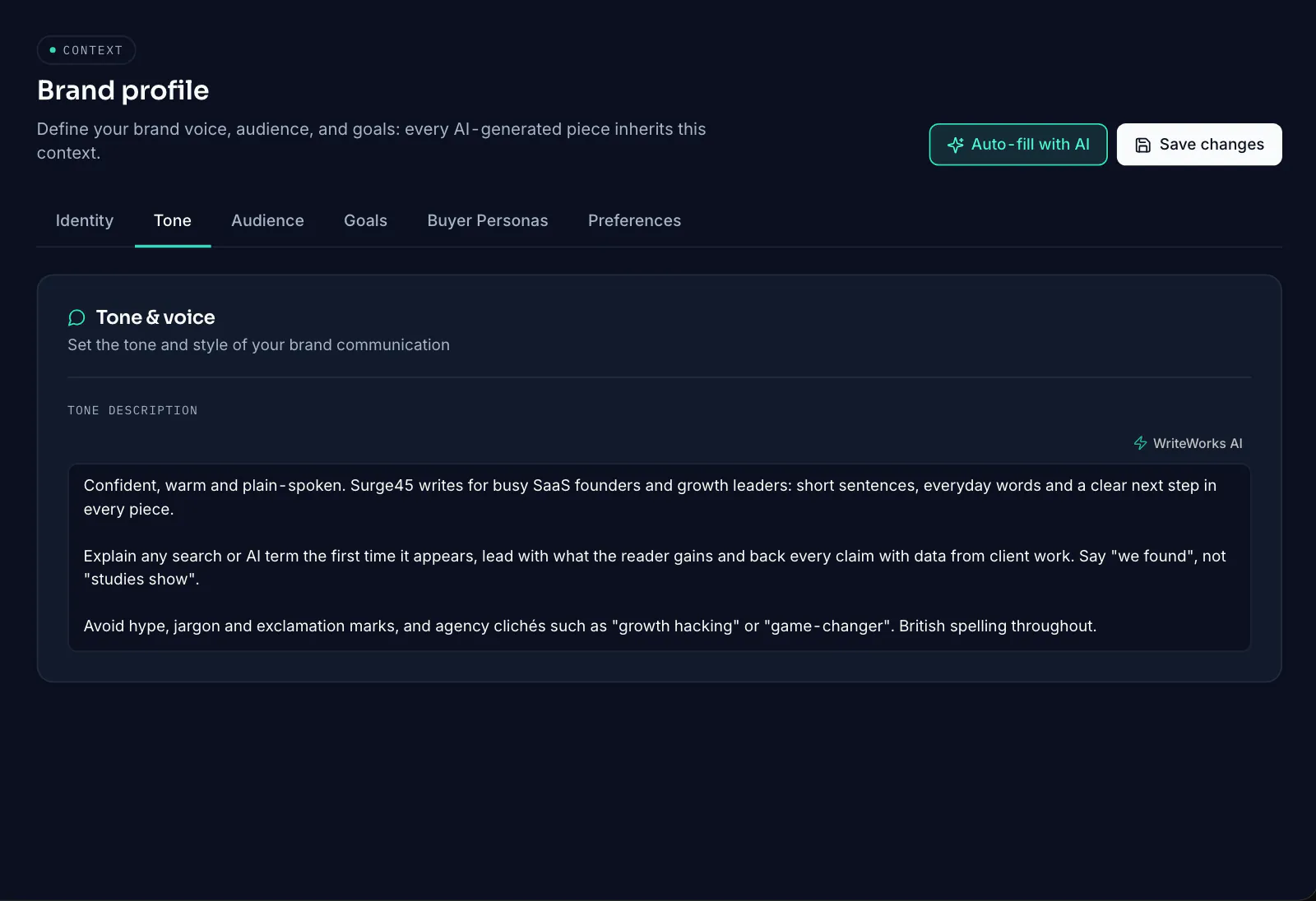
This is the working product, not a mockup: the same visibility scores, briefs and published content your team would be looking at. Start a free trial and point it at your own domain, or take the tour of what sits behind the screen.
Voice is the first thing to go when writing scales.
Out of the box, AI writing tools default to a neutral, slightly breathless register. Without your voice in the prompt, every draft needs a heavy edit to sound like your brand.
'Friendly but authoritative' means something different to every writer. Unless the guidance is specific and sits where the writing happens, it is applied inconsistently.
With several writers, freelancers and AI tools in the mix, the brand ends up with several voices. Readers notice, and so do the AI engines summarising you.
Content written to rank in blue links rarely carries the structure an assistant needs to quote it directly.
Voice and tone stored in the Brand Hub and applied on every draft.
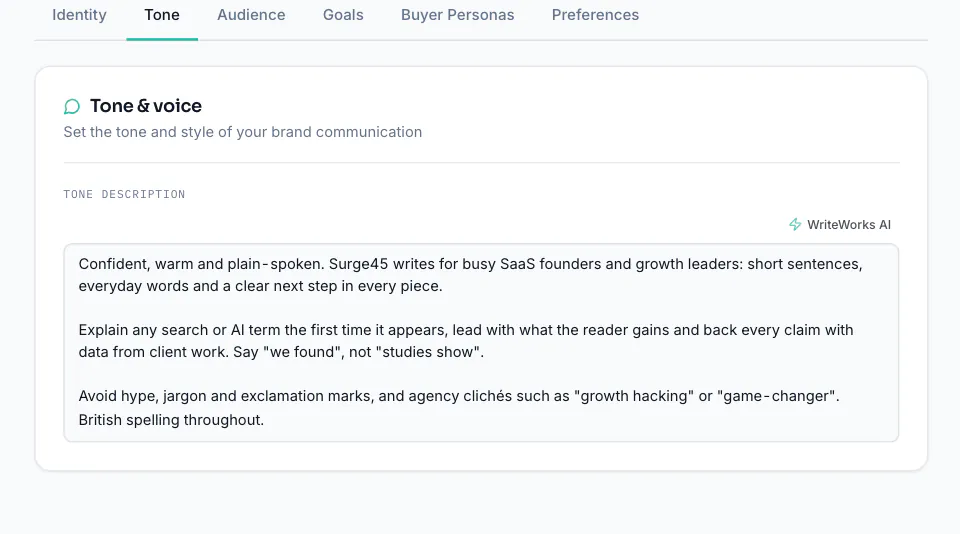
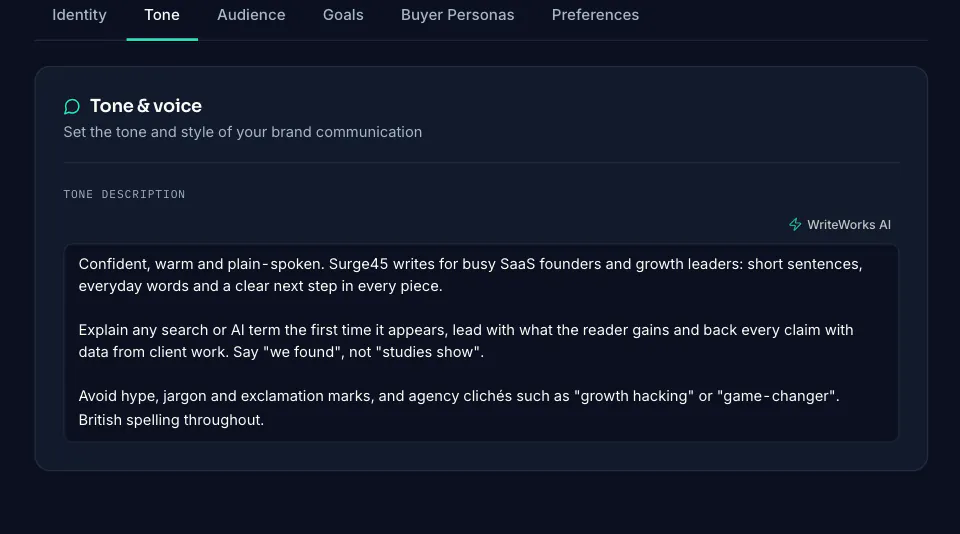
The Identity tab holds a brand voice description: personality, values and how the brand communicates. The Tone tab holds your tone description, from professional to conversational, with as much detail as you need.
Your voice and tone are part of the brand profile the AI reads before it drafts. The content editor, briefs, automations and Ask AI all write from the same definition, so the voice is consistent whoever presses generate.
Not sure how to describe your voice? The AI field assistant drafts a voice or tone description from a short instruction, or tightens the one you already have, and you edit the result before saving.
What each brand fixed, measured before and after with the same audit, in their own words.
“Turning caching on made our pages 2.5 times faster for crawlers. While we were in there, we fixed the headings too: guides with a clean heading structure went from 32% to 100%.”
The fields and tools that shape how the AI sounds.
Personality, values and communication style in the Identity tab.
How the brand should sound, held in its own Tone tab.
Writing and formatting rules that support the voice.
Generate or enhance voice and tone descriptions with AI.
Turn voice rules into skills the editor can apply to a selection or a whole draft.
Every brand in the hub has its own voice, so clients never blur together.
Fewer rewrites, faster onboarding.
Everything that defines and applies your brand voice.
Teams that need many writers to sound like one brand.
Keep one brand voice across in-house writers, freelancers and AI-assisted drafts.
Hold every client's tone of voice guidelines in its own brand and switch between them cleanly.
Get on-brand drafts without a dedicated editor policing every sentence.
“A near-perfect audit score made it easy to think the job was done. WriteWorks found the one gap that mattered: none of our homepages said who we are in a way a machine could read. We added Organization markup in every market and dated every FAQ page, and key pages carrying the schema AI expects went from 92% to 100%. Small changes, and a much clearer picture of GraftPal for AI.”
GraftPal team
Read the full storyEverything teams typically ask before getting started.
Related solutions, adjacent use cases, and platform features.
Define your voice and tone once in the Brand Hub, and every draft WriteWorks writes for your brand starts out sounding like you.



 Google Search Console
 Google Analytics 4
 Google Ads
 Ahrefs
 Semrush
 DataForSEO
 Firecrawl
 Tavily
 Exa
 Parallel
 G2
 WordPress
 Webflow
 Contentful
 Sanity
 Payload
 BaseHub
 Framer
 Notion
 Gamma
 v0
 Slack
 Linear
 Atlassian
 Monday.com
 Granola
 Klaviyo
 Customer.io
 OpenAI Ads
 Claude and MCP clients