Based on what buyers actually ask
Auto-generated tagsFeatureAI-powered
WriteWorks gives content teams and agencies a real content approval workflow: multi-seat roles, structured sign-off, and a shared pipeline board so drafts go through review before they ship. Multi-seat teams are on Enterprise and agency plans. It's the governance layer that turns a fast content workflow into an accountable one, on-brand and citation-ready across 10+ AI platforms.
7-day trial · Cancel anytime
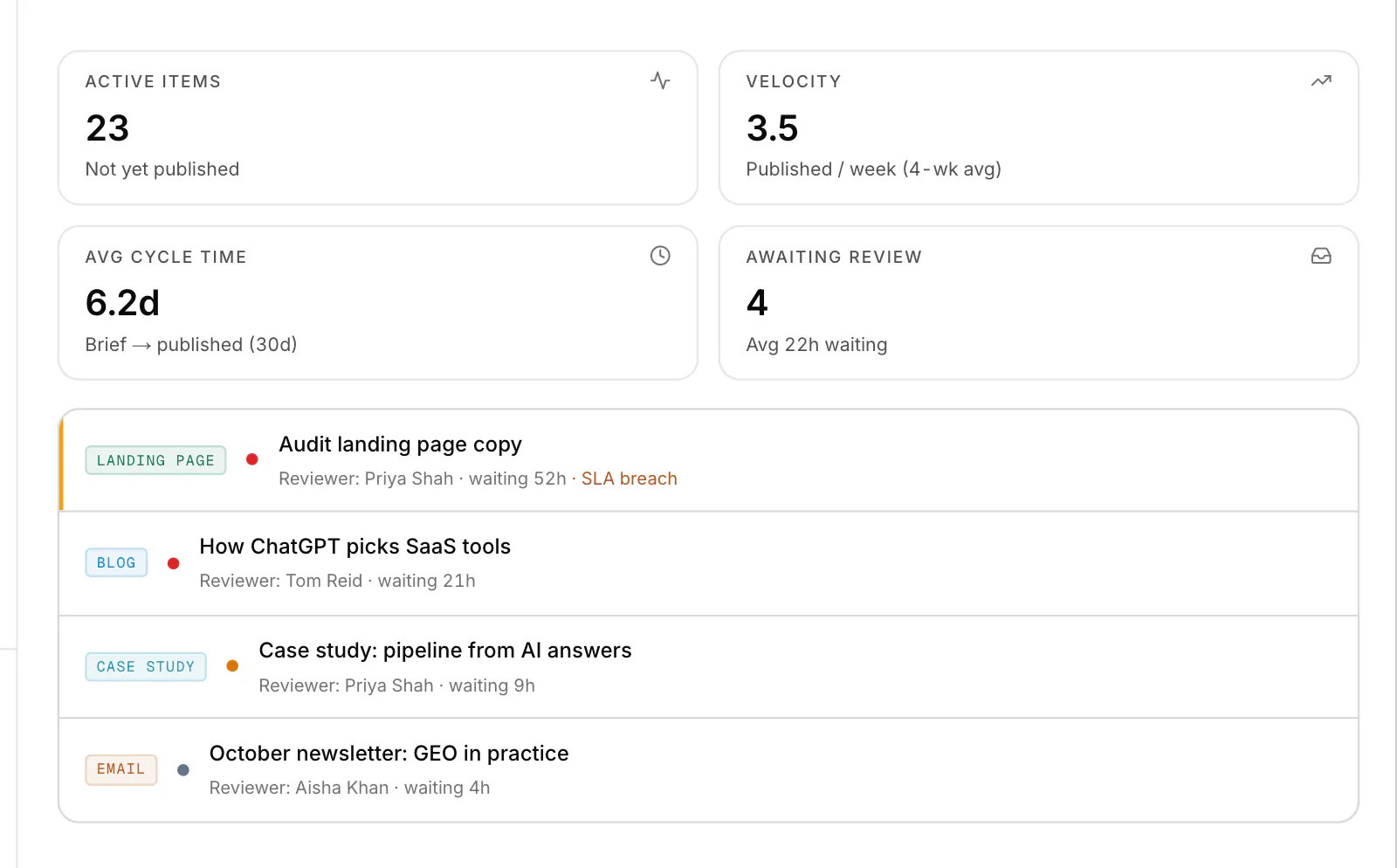
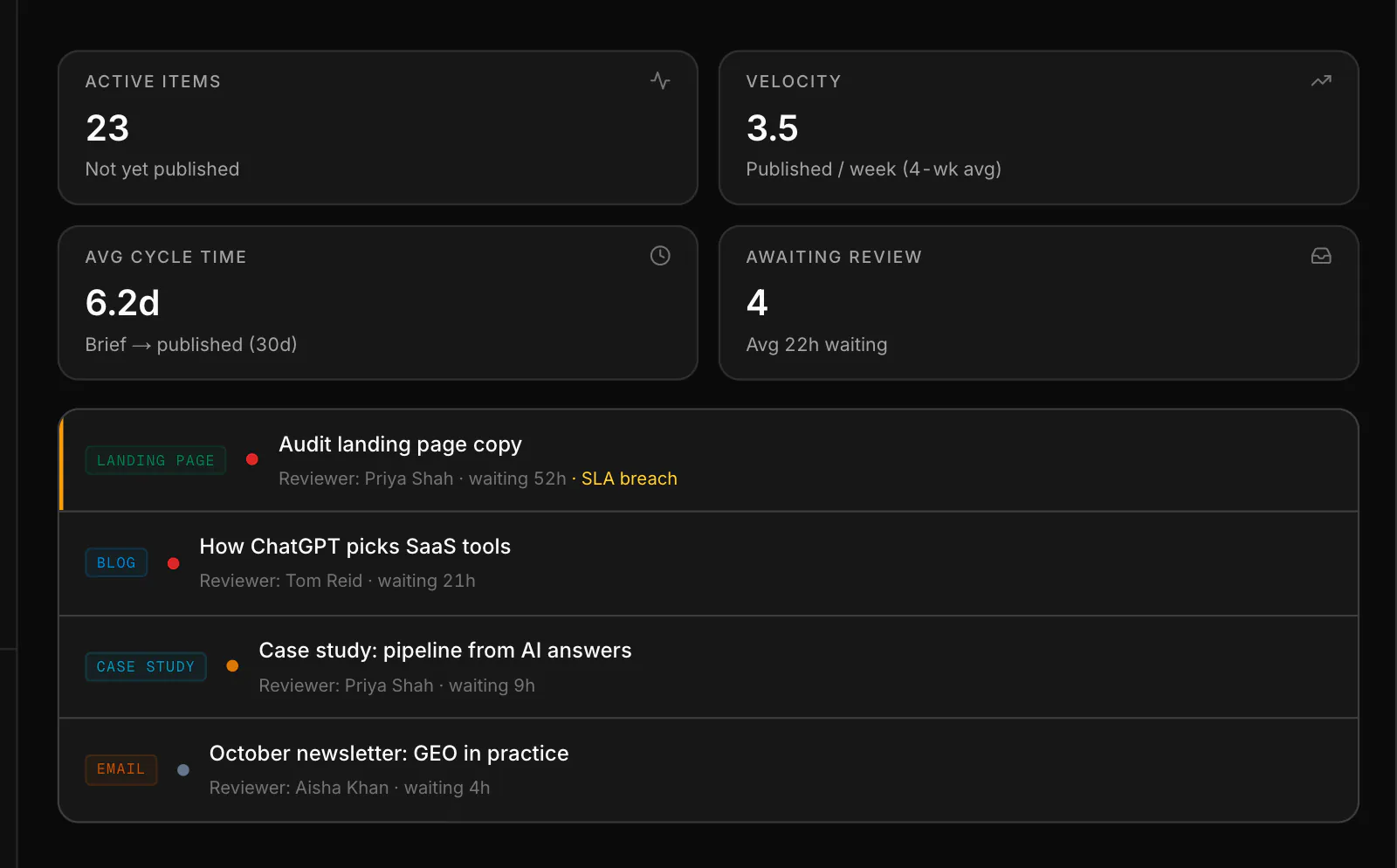
This is the working product, not a mockup: the same visibility scores, briefs and published content your team would be looking at. Start a free trial and point it at your own domain, or take the tour of what sits behind the screen.
A faster content workflow only helps if the work is still reviewed, on-brand, and accountable. Most tools speed up drafting and leave governance to spreadsheets and Slack threads.
Without a real content approval workflow, sign-off happens in scattered DMs and email threads. Nobody can see what's waiting on whom, and drafts stall for days.
Flat access means any seat can change any draft. A team collaboration setup without roles has no reviewer, no approver, and no clear owner of what actually ships.
Tasks tracked across three spreadsheets and a chat means briefs get forgotten, reviews get skipped, and the content production workflow leaks at every handoff.
Running many clients on a shared login is a compliance risk. Without multi-seat roles and per-client separation, an agency SEO platform can't prove who approved what.
Roles, approvals, and a shared pipeline board turn an ad-hoc process into a governed content approval workflow, without slowing the team down.
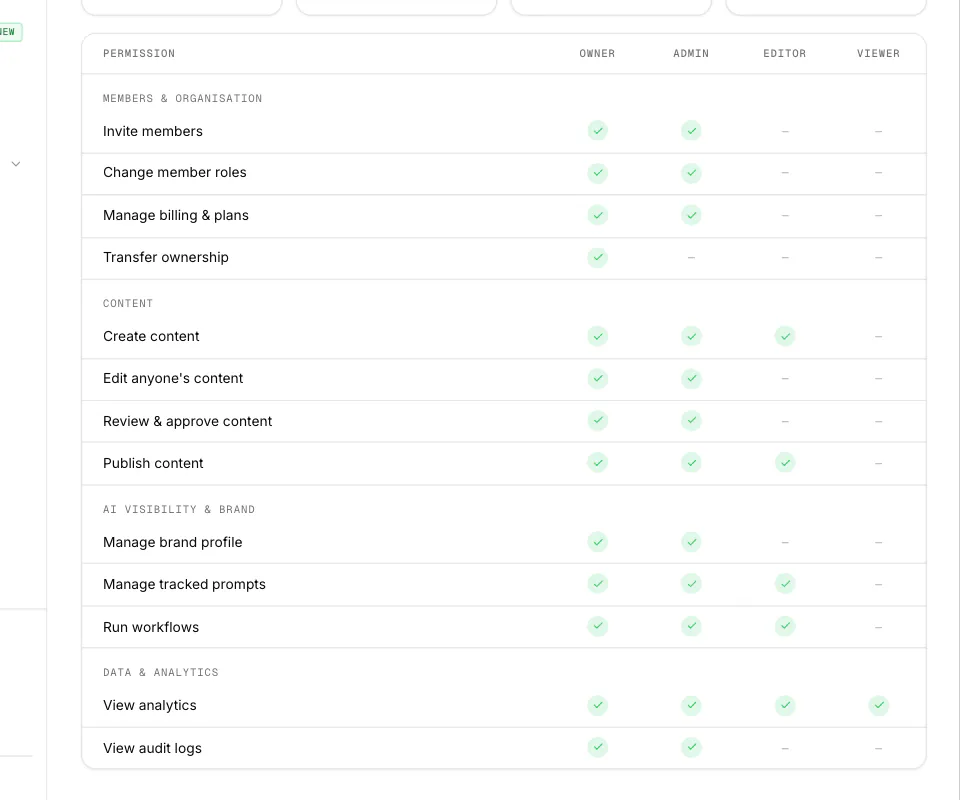
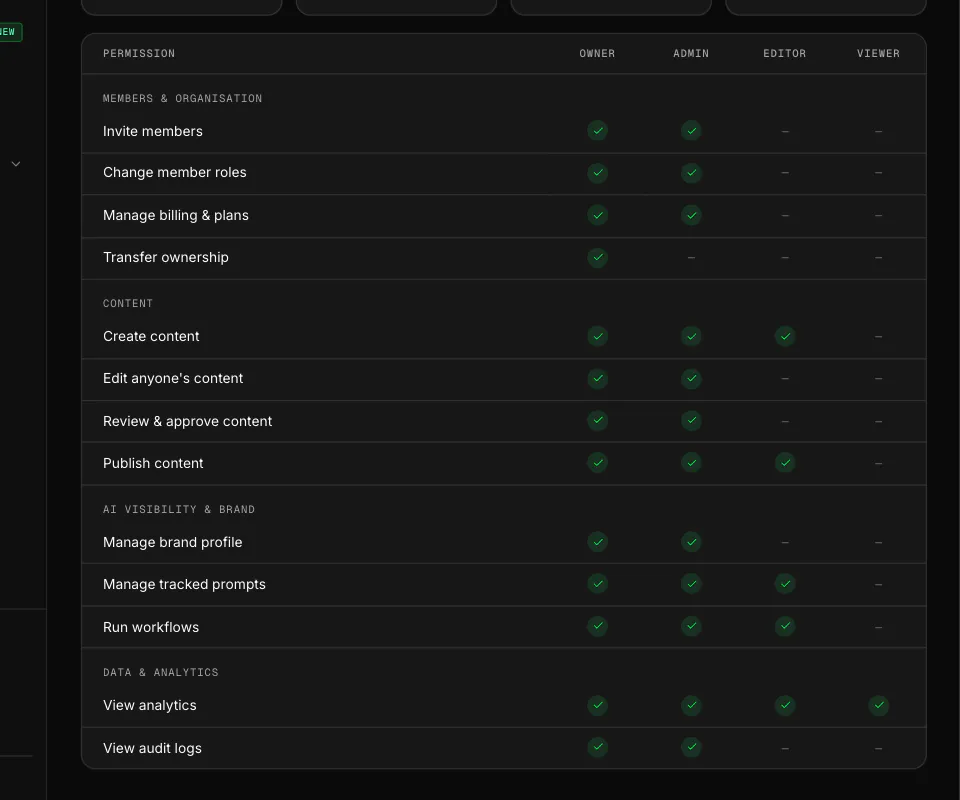
Assign owner, admin, editor and viewer roles, or build custom roles, so the right people draft, the right people review, and only roles with publish rights can publish. Governance is built into the content workflow, not bolted on.
Work on the content pipeline moves through a defined review-and-approve path, with an assigned reviewer and written feedback whenever a piece is sent back, and every decision is attributed, so your content approval workflow is auditable end to end.
One board shows every piece of content, its author, its reviewer and its status across the team. The board keeps the content production workflow moving so no brief, review or fix gets forgotten.
Add teammates and clients with the right access, and keep each engagement cleanly separated. It's the multi-seat backbone an agency SEO platform needs to run many clients accountably.
What each brand fixed, measured before and after with the same audit, in their own words.
“Our job pages used to reach AI crawlers as a "Loading jobs..." placeholder. One rendering fix later, the share AI crawlers can read has gone from 5% to 100%, and every job page now names itself with a proper heading.”
The controls that make a multi-seat content operation accountable from brief to sign-off.
Owner, admin, editor and viewer roles, plus custom roles, so the right people can draft, review and publish.
A structured review-and-approve path on the content pipeline, with an assigned reviewer per piece.
Every piece, author, reviewer and status in one view so the content workflow never stalls.
Add teammates with the access they need and keep collaboration accountable at scale.
Every approval attributed to a person, so you can always show who signed off on what.
Reviewers approve against locked brand voice and entities, so approved work is always on-brand.
Every review step, author and reviewer in one place, so work moves without stalling in someone's inbox.
Everything you need to measure AI visibility and engineer the content that wins it.
Purpose-built for the people who own the content approval workflow at scale.
Give a growing team a governed content approval workflow so quality and brand hold as volume scales.
Run many clients on one multi-seat agency SEO platform with roles, sign-off and clean separation per engagement.
Own the content operations platform end to end, with every task, owner and approval in a single view.
“We're a booking marketplace, so listings are everything. Since the fixes, pages fully readable without JavaScript went from 84% to 98%, our sitemap dates finally mean something, and our full llms.txt file is real. Over a third of our audited category pages now list their businesses as structured data, with the remaining markets up next.”
Fhresh team
Read the full storyEverything teams typically ask before getting started.
Related solutions, adjacent use cases, and platform features.
Give your team and clients multi-seat roles, structured sign-off and a shared pipeline board, so drafts ship reviewed, on-brand and citation-ready across 10+ AI platforms.



 Google Search Console
 Google Analytics 4
 Google Ads
 Ahrefs
 Semrush
 DataForSEO
 Firecrawl
 Tavily
 Exa
 Parallel
 G2
 WordPress
 Webflow
 Contentful
 Sanity
 Payload
 BaseHub
 Framer
 Notion
 Gamma
 v0
 Slack
 Linear
 Atlassian
 Monday.com
 Granola
 Klaviyo
 Customer.io
 OpenAI Ads
 Claude and MCP clients